

Exclusive Newsletter access
Protect your content and monetize your Newsletter by creating exclusive access to your Newsletter Product(s). With the Subscriber and Paywall breaks, you can design Newsletter Posts that encourage visitors to convert into subscribers and even paid subscribers. Subscriber break: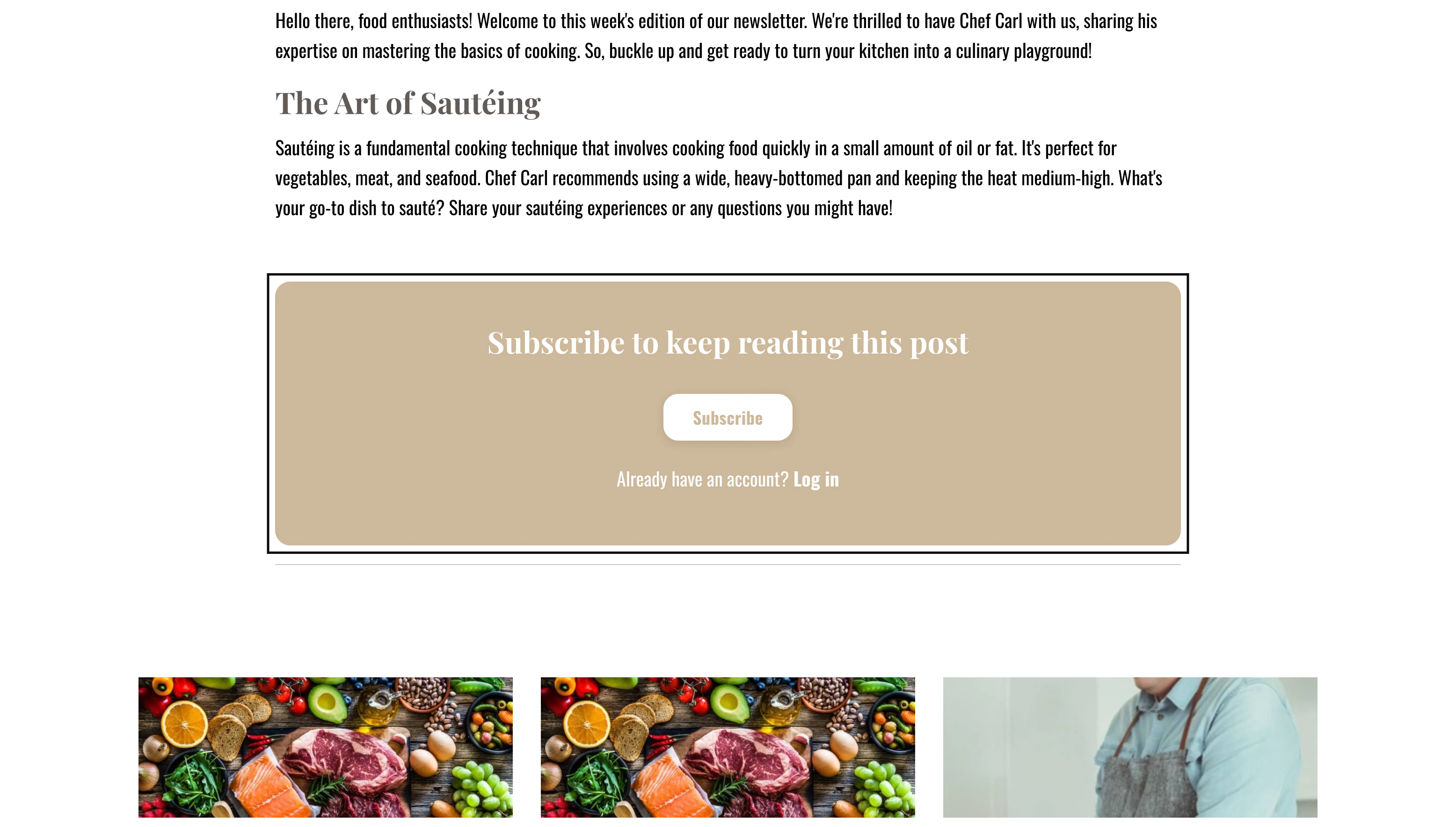
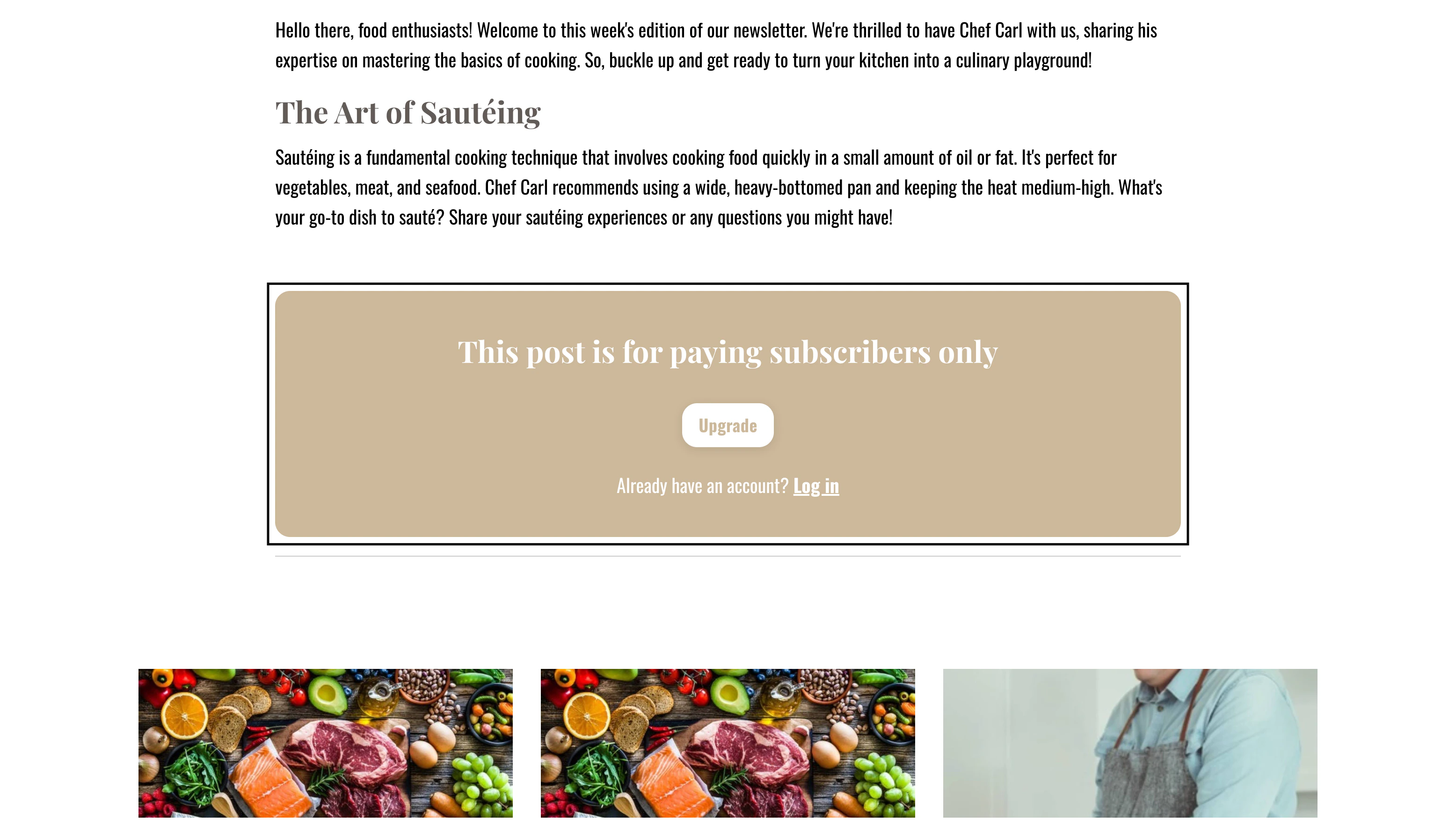
Subscriber break
How Subscriber breaks work
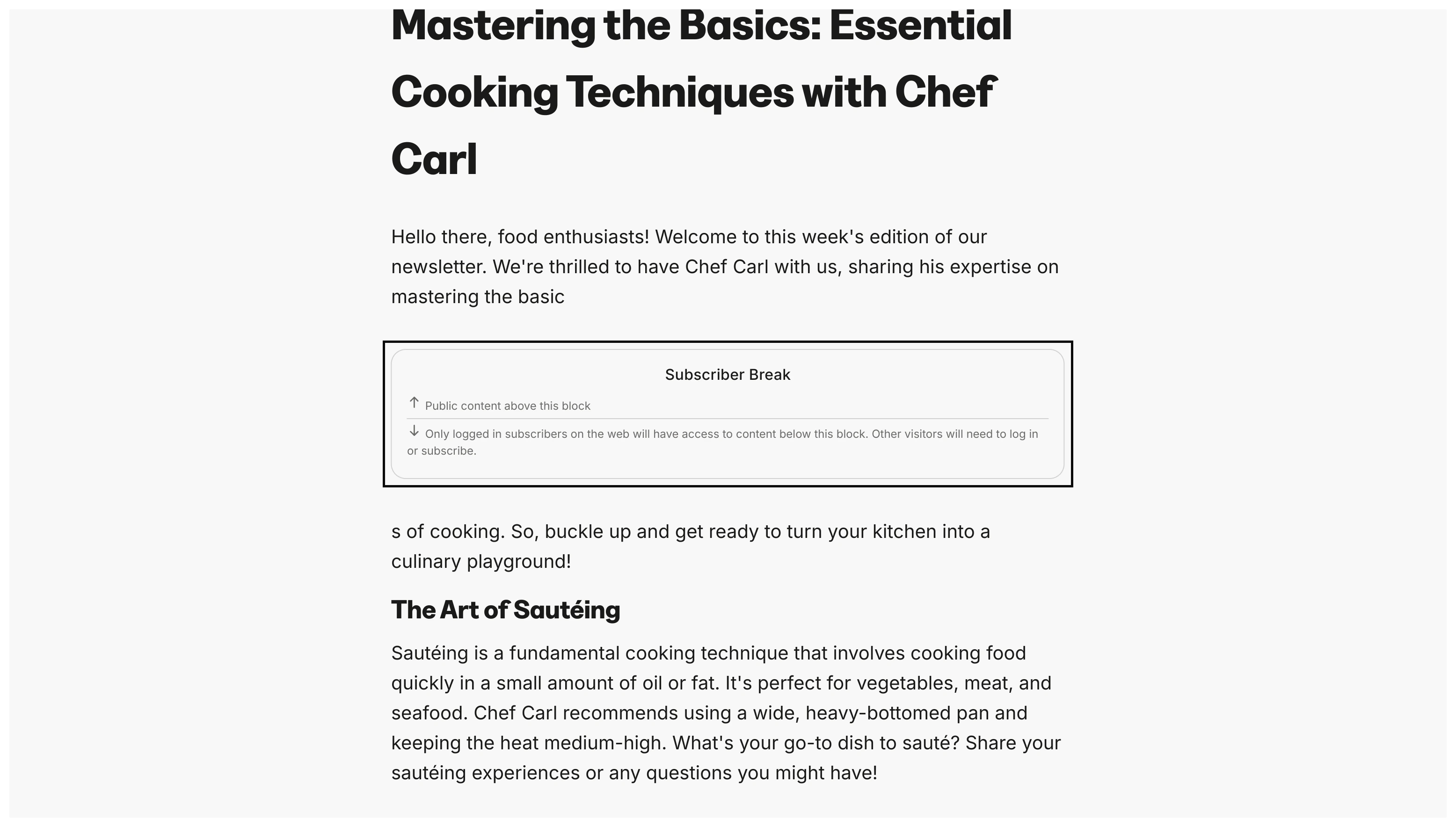
A Subscriber break hides all the content below the break from any non-subscribers: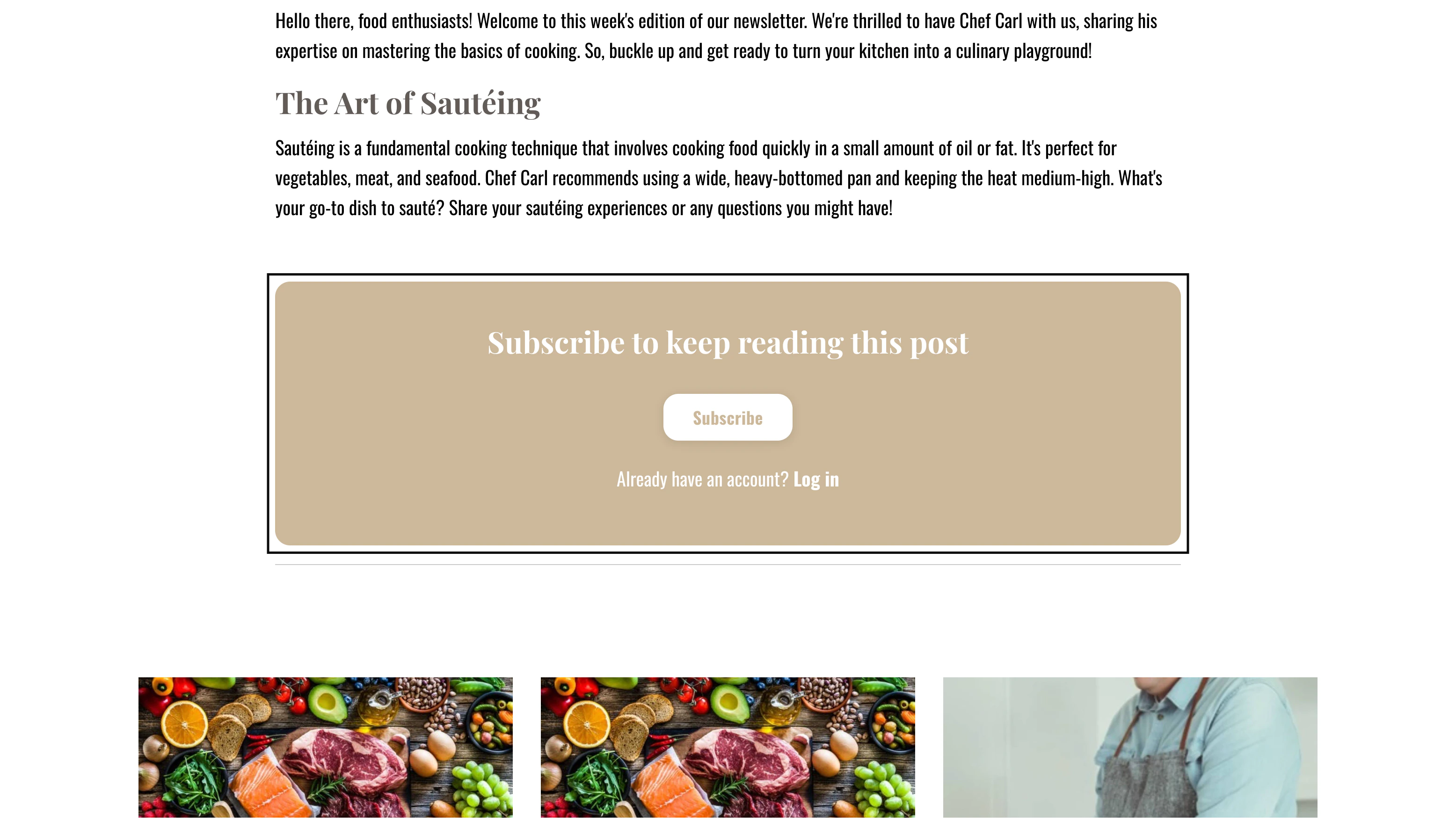
Add a Subscriber break
- Navigate to your Newsletter tab
- Select an existing Newsletter or create one
- Select the Newsletter Post you wish to edit or create one
- Press Enter in the location you want to place your Subscriber break. The content above the break is publicly visible and the content below the break is only accessible to your Newsletter subscribers.
- Click the + icon or press CMD + / to open the text formatting options
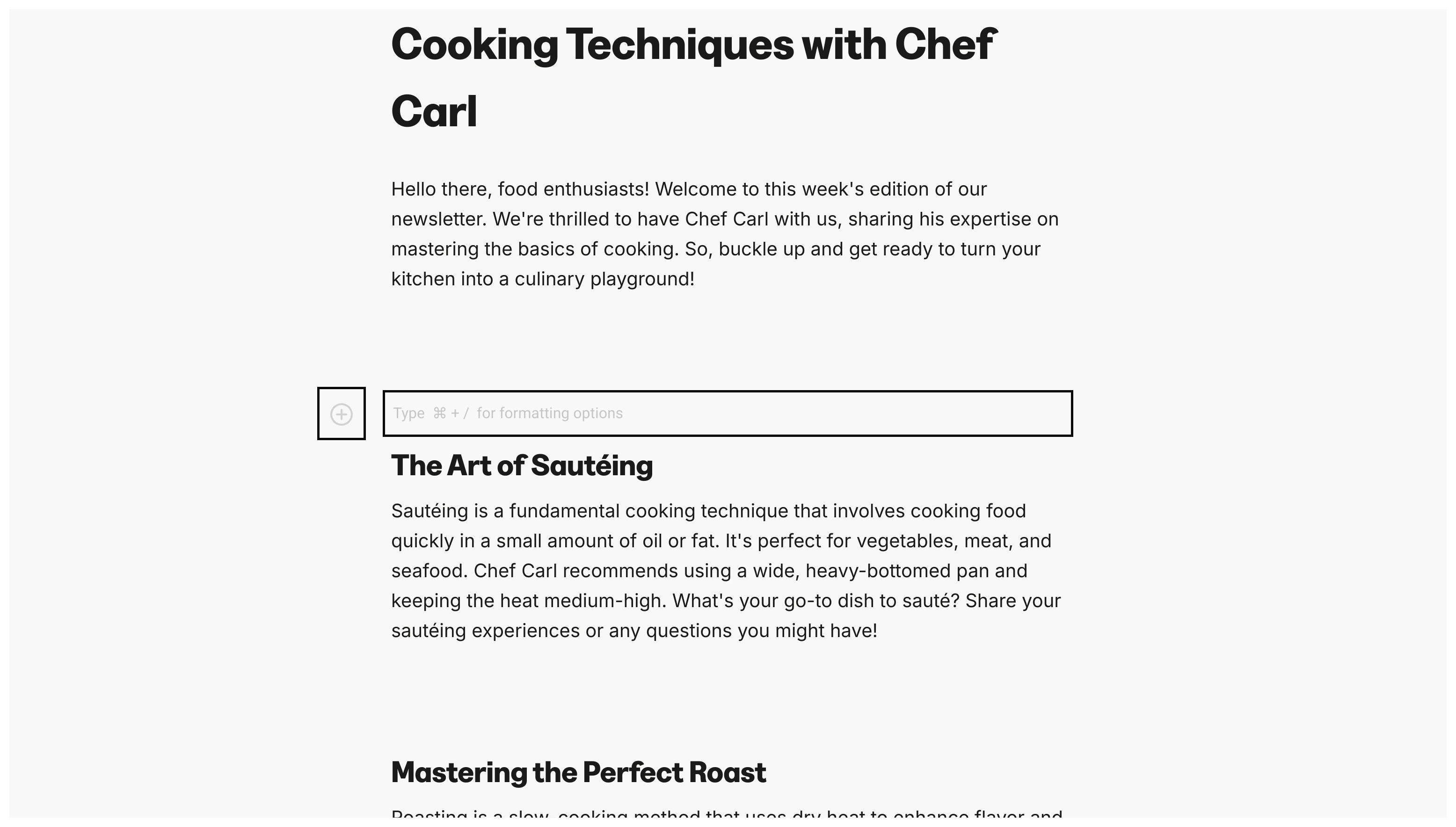
- Select Subscriber break
Paywall break
- Navigate to your Newsletter tab
- Select an existing Newsletter or create one
- Select the Newsletter Post you wish to edit or create one
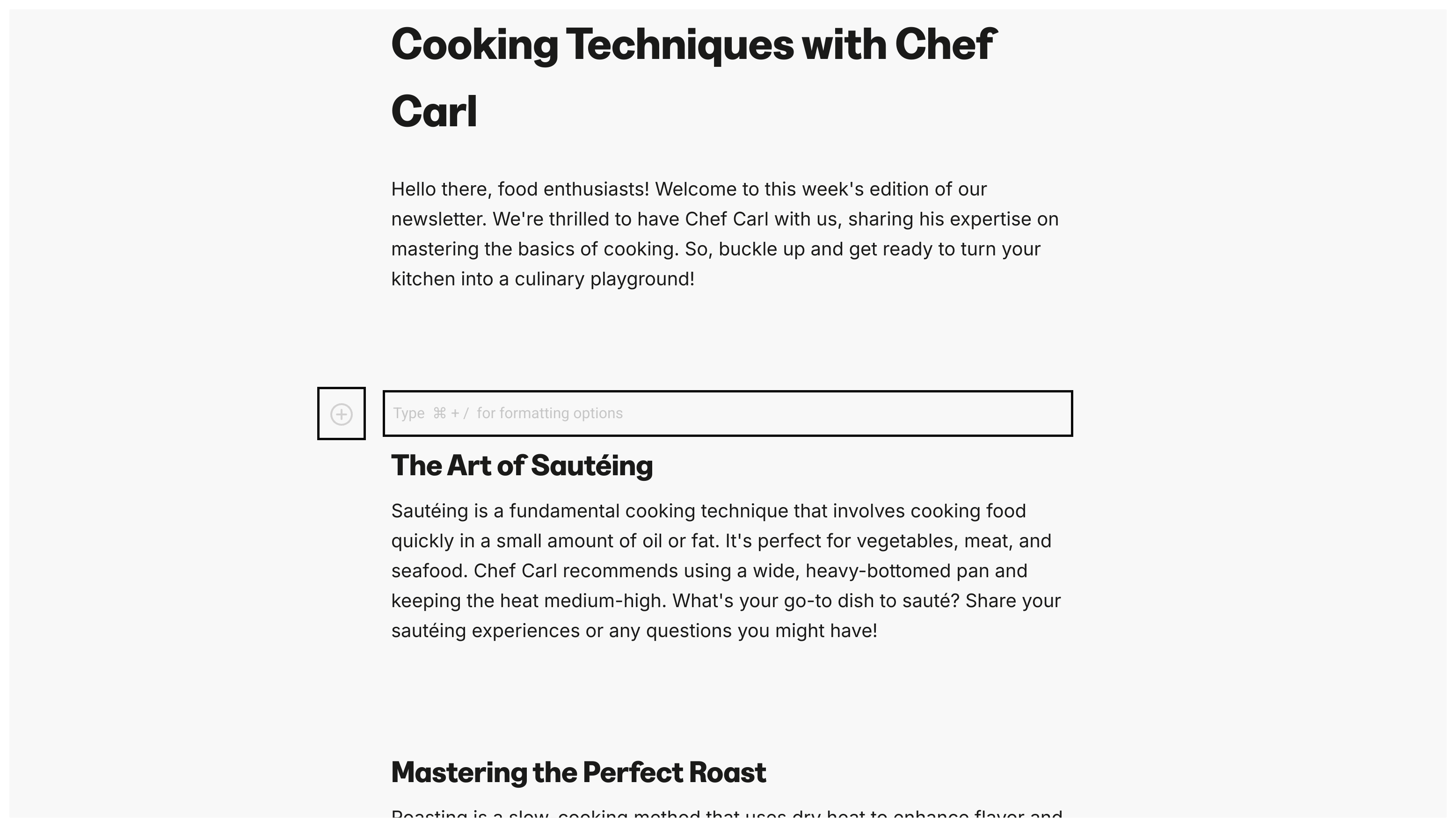
- Press Enter in the location you want to place your Paywall break. The content above the break is publicly visible and the content below the break is only accessible to your paid Newsletter subscribers.
- Click the + icon or press CMD + / to open the text formatting options
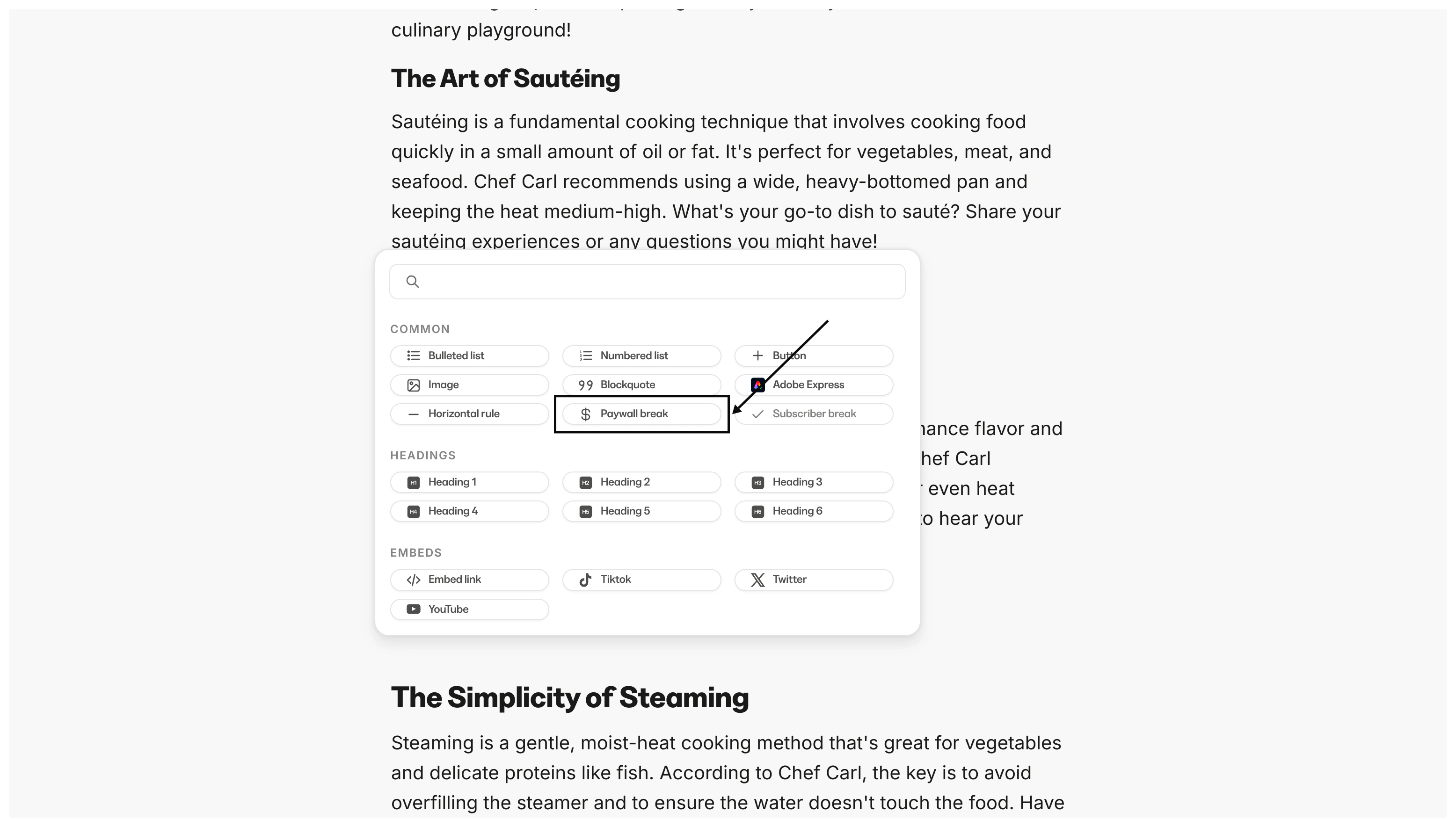
- Select Paywall break
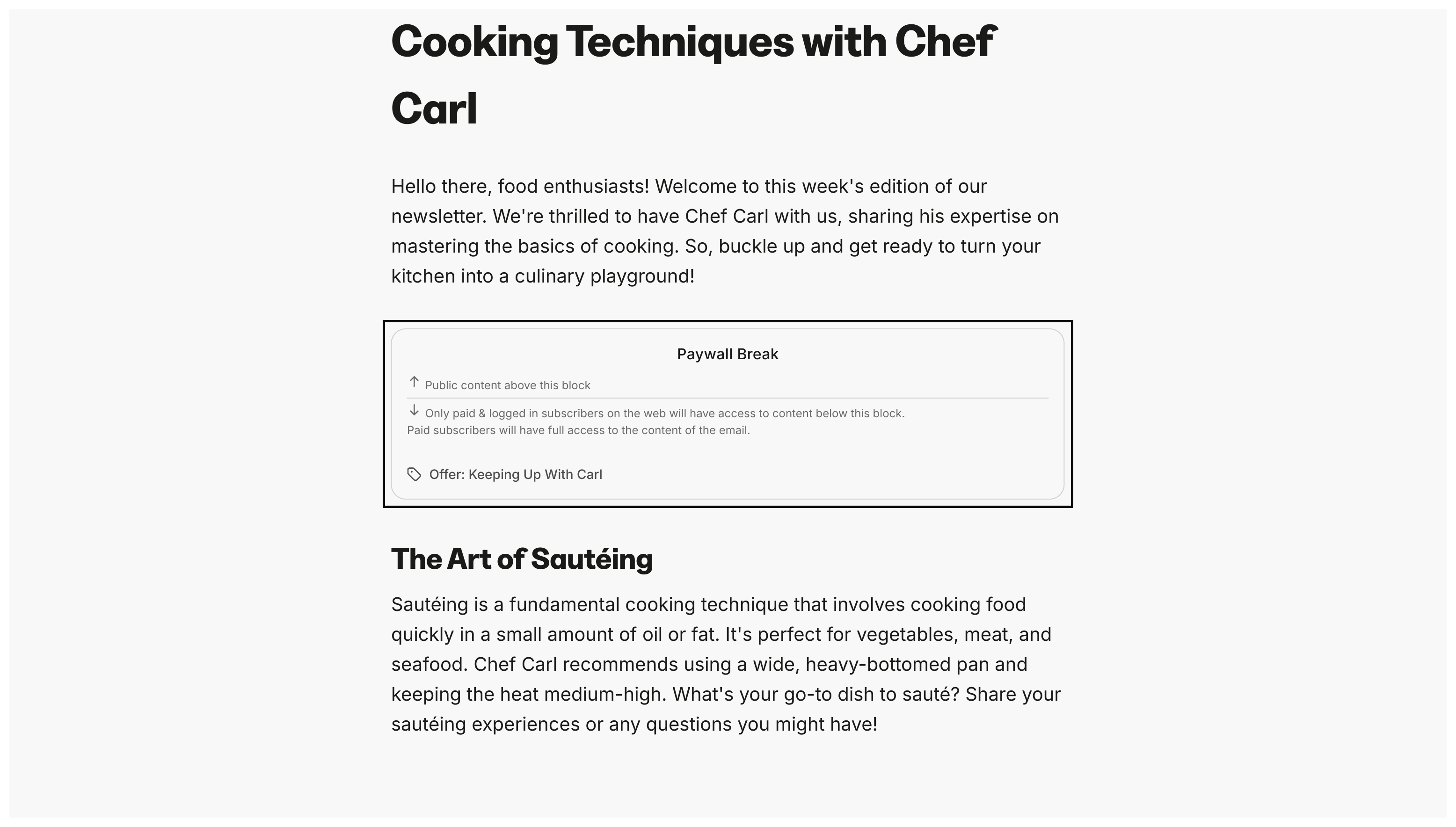
- Click on your Paywall break
- Click Select Offer to choose the Offer that grants access to the paywalled content