

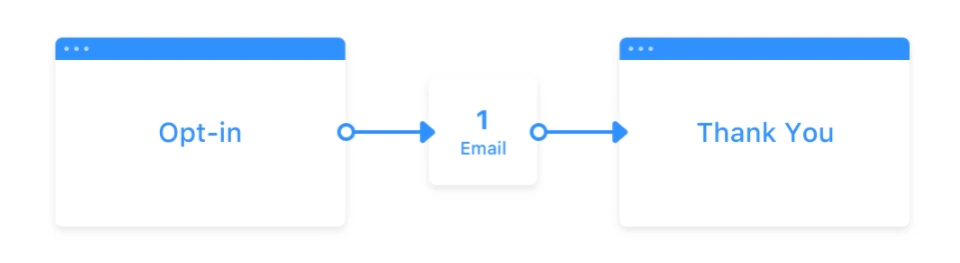
PDF file location
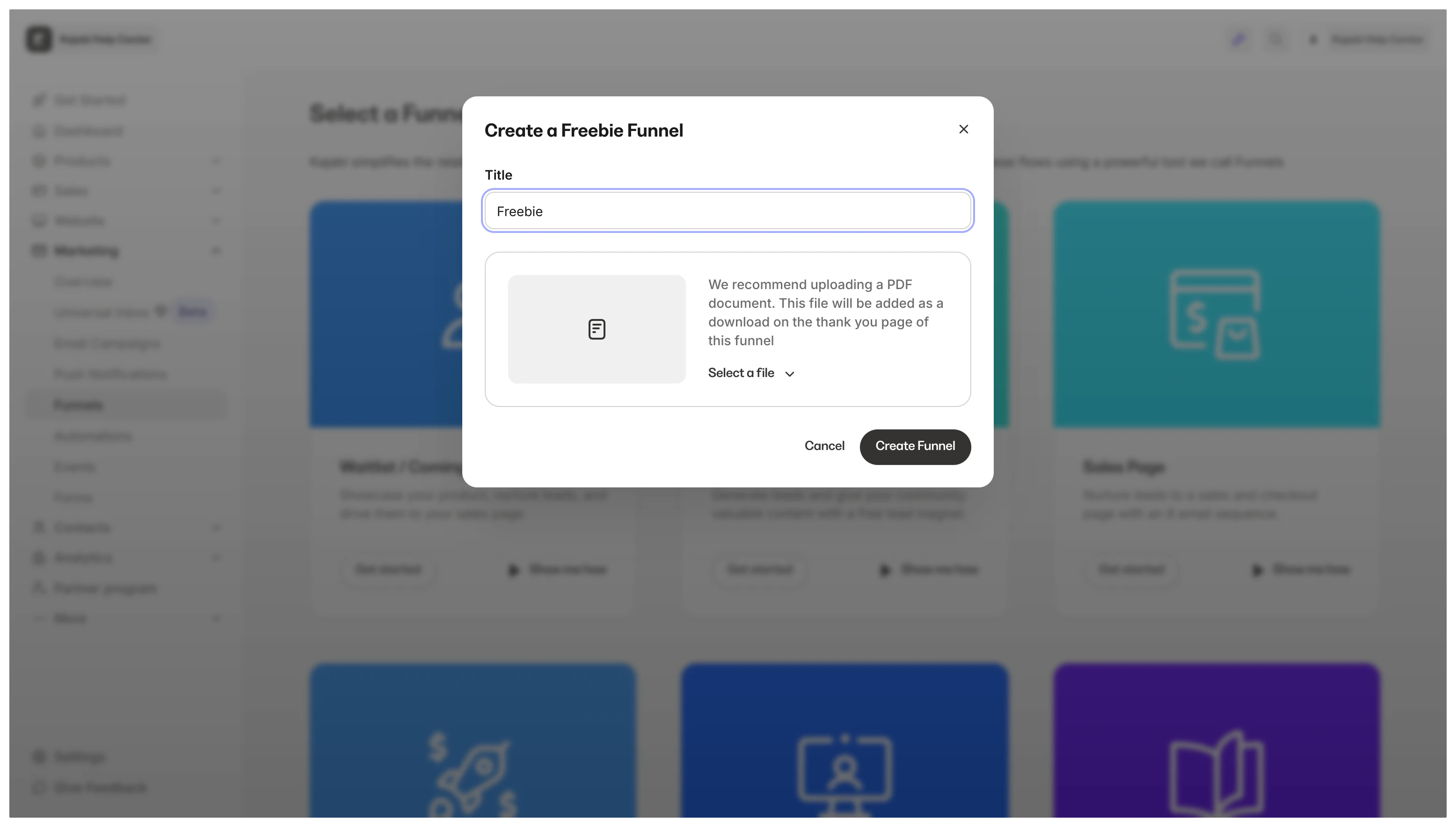
When generating a Freebie Funnel, you are prompted to:- Name your Funnel
- Upload your freebie file
Replace the downloadable file
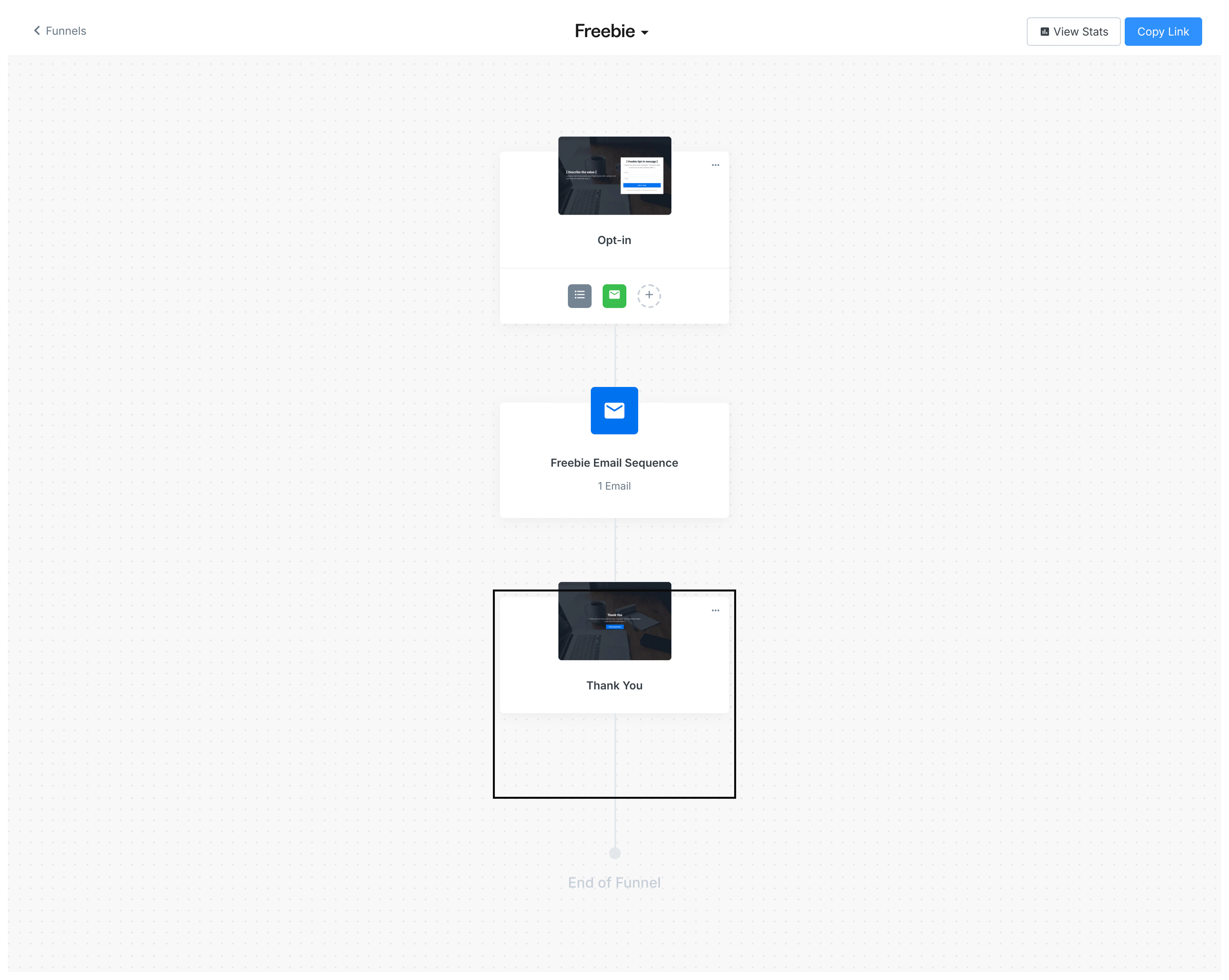
Change your downloadable PDF file in a Freebie Funnel by replacing the original file in the Thank You Page of your Funnel.Navigate to the Freebie Funnel builder
- Open the Marketing tab from the Dashboard
- Click Funnels
- Select your Freebie Funnel
Open the Thank You page
When your visitors submit the Form for your Freebie Funnel, they will be redirected to a Thank You Page containing your downloadable PDF file. Swap out the file by opening the Thank You Page editor in your Freebie Funnel builder: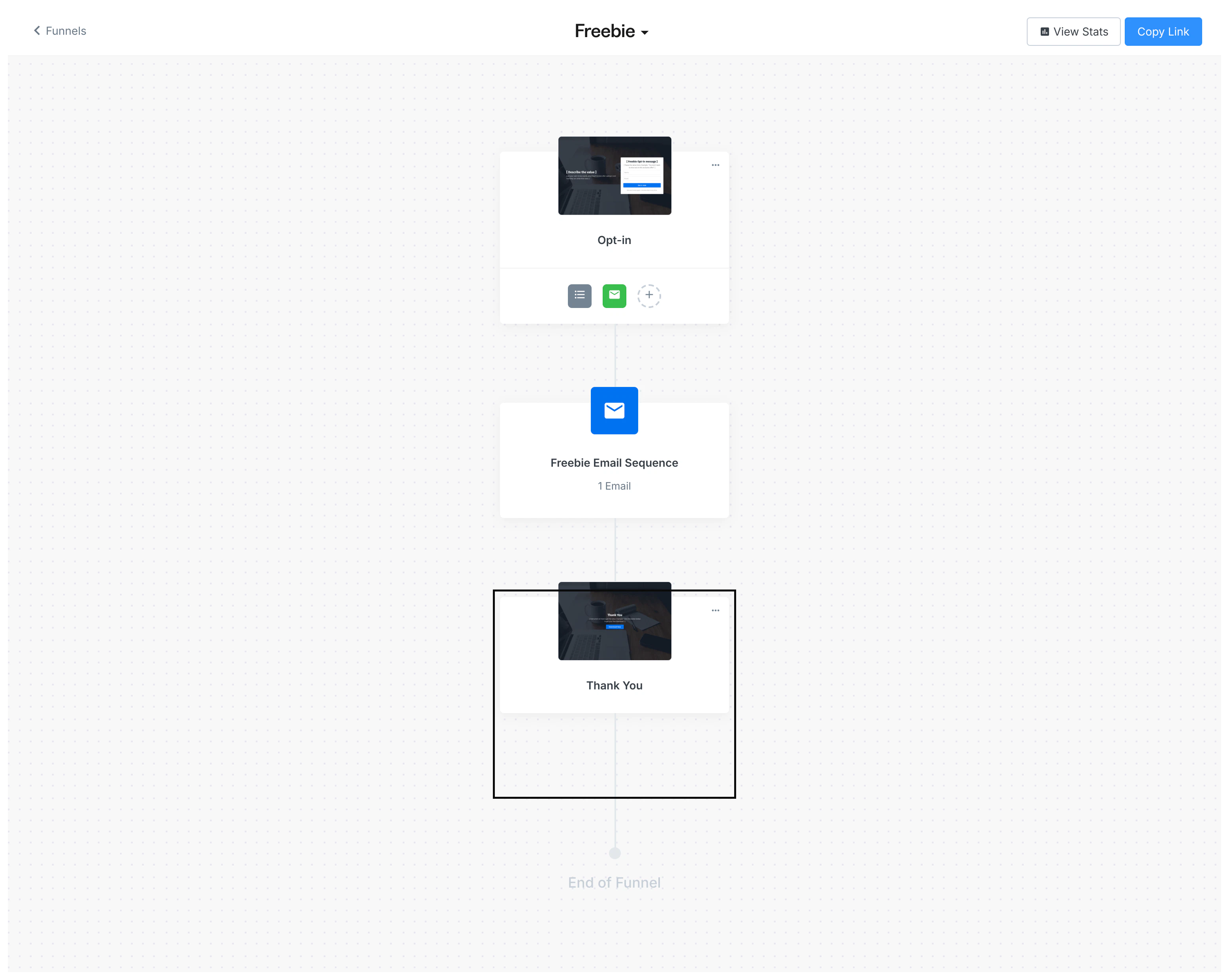
Upload the file
Your visitors will access your PDF file by clicking the Download Now call to action button in the Thank You page: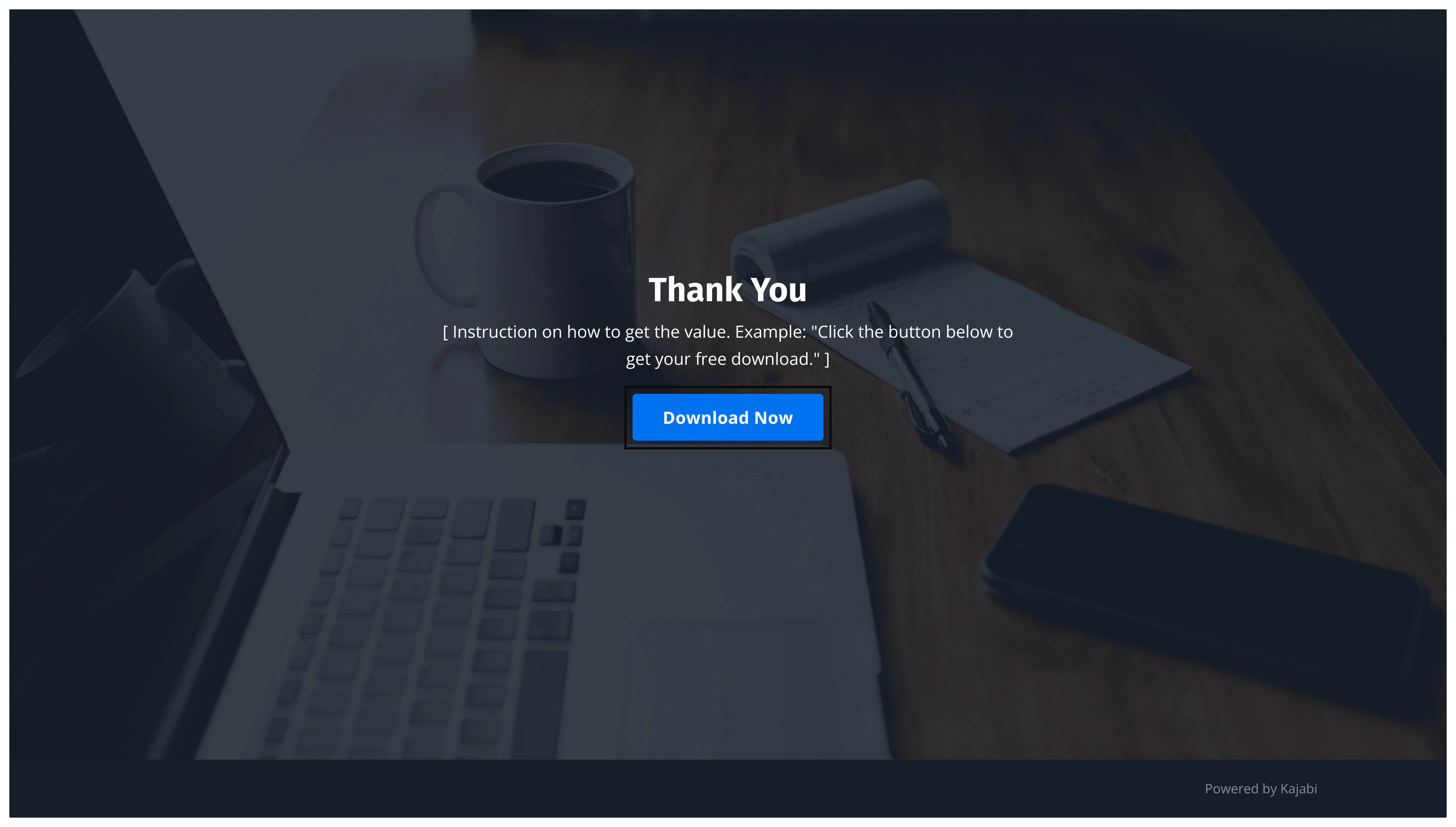
- Click Download Now to edit
- Navigate to the sidebar editor
- Locate the Call To Action block settings in the sidebar
- Under Button Action, click Pick File
- Select the file from the file picker to replace your original PDF
- Click Save to keep and apply your changes