Retrieve the current RSS feed URL
A podcast RSS feed is a link that contains all of the information of your podcast and updates listening apps and subscribers when episodes are uploaded, automatically adding episodes into their feed. Your current RSS feed URL can be found on whichever site your podcast is hosted on.Find the RSS feed
Follow the guides for the site where your Podcast is hosted:Note:
The episode number must be greater than or equal to 1.
Import the Podcast onto Kajabi
Once you have located your current RSS feed URL, the next step is to import your podcast onto Kajabi by entering the RSS feed link into Kajabi’s podcast import tool.Import using an RSS feed
- Open the Products tab from the dashboard
- Select Podcasts
- Click + New Podcast
- Click Get Started
- Select Import a podcast and click Continue
- Enter your current RSS feed link and click Continue
- Verify your Podcast details are correct and click Save and Finish
- Audio file
- Publish date
- Title
- Brand colors
- Artwork
- Show notes
- Transcription TXT file
Preview the Podcast page
Your Podcast page will automatically generate with a URL in the format of: https://domain.com/podcasts/your-podcast-name. Preview your Podcast page and your page URL by clicking the Preview icon at the top right of the Podcast Editor: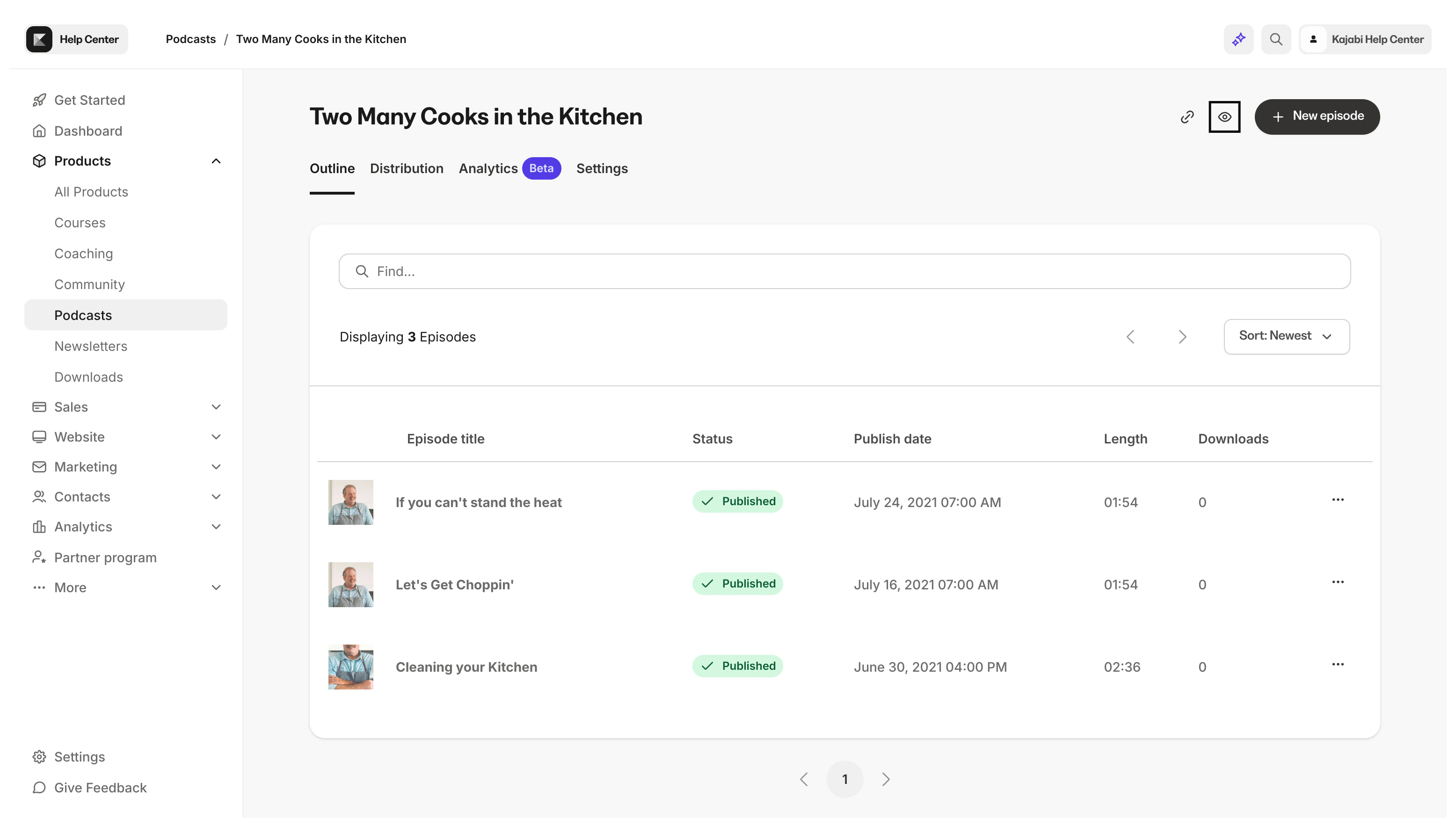
Set up distribution
Upon import, Kajabi creates a new RSS feed URL for your Podcast. But, directories (listening apps like Apple Podcast, Google Podcast, and Spotify) will still be pulling your podcast from your old host. So, the next step is to tell listening apps that you have changed your host to Kajabi by redirecting your RSS feed.- Click Distribution in the top menu of the podcasts page