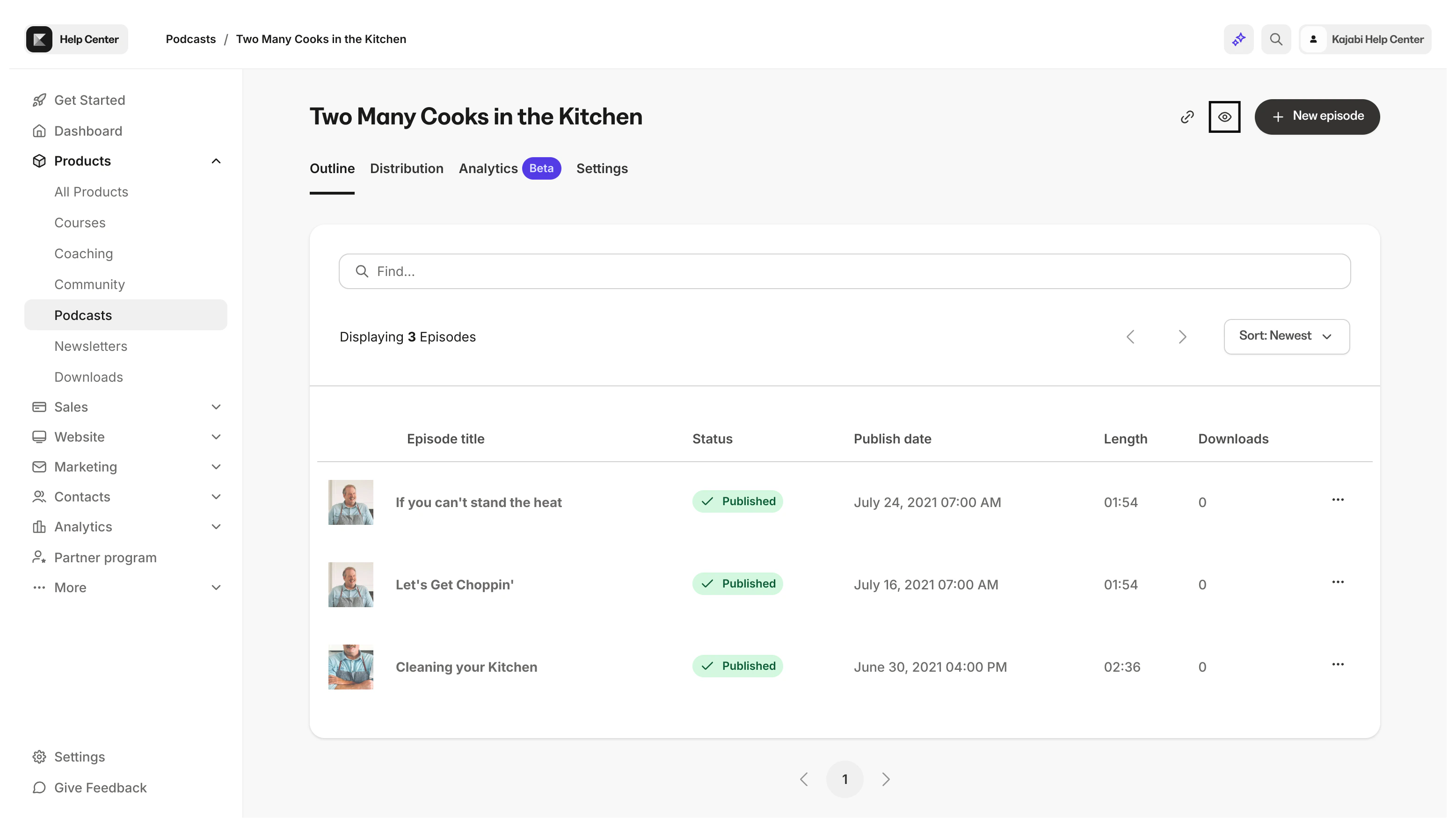
You can customize your Podcast page to match your branding by adjusting the color scheme. Select primary and accent colors to control the look of your Podcast page.
When creating a Podcast, the Podcast page will automatically use your branding information and colors from your Site Settings unless you choose to override this by manually selecting alternate colors. If you would like the color scheme of your Podcast page to differ from your Site Settings color scheme or the scheme you previously selected, you can change it on the Podcast Details page.

Customize the Podcast page color scheme

  1. Open the Products tab from the dashboard and select Podcast
  2. Choose the Podcast you would like to customize
  3. From inside the podcast page editor, click the Settings tab in the top menu
  4. Scroll down to Page customization
From the Page Customization block, you can select a primary and accent color to customize the look of your Podcast page:
Note: The Podcast page has limited customization options and the Page Builder cannot be used for page customizations. Custom code cannot be added to the Podcast page.

Preview the Podcast page

Your Podcast page will automatically generate with a URL in the format of: https://domain.com/podcasts/your-podcast-name. Preview the Podcast page and page URL by clicking the Preview icon at the top right of the Podcast Editor: Preview