Sell digital tickets to a webinar with Kajabi Events, Pages, and Offers.
Webinars can be a powerful tool for reaching your audience in real-time. With Kajabi, you can connect an Event and Offers to sell access to a webinar. This page walks you through creating an Event to correspond with the date and time of the webinar, building a confirmation page with instructions for customers, and setting up an Offer to collect payment.
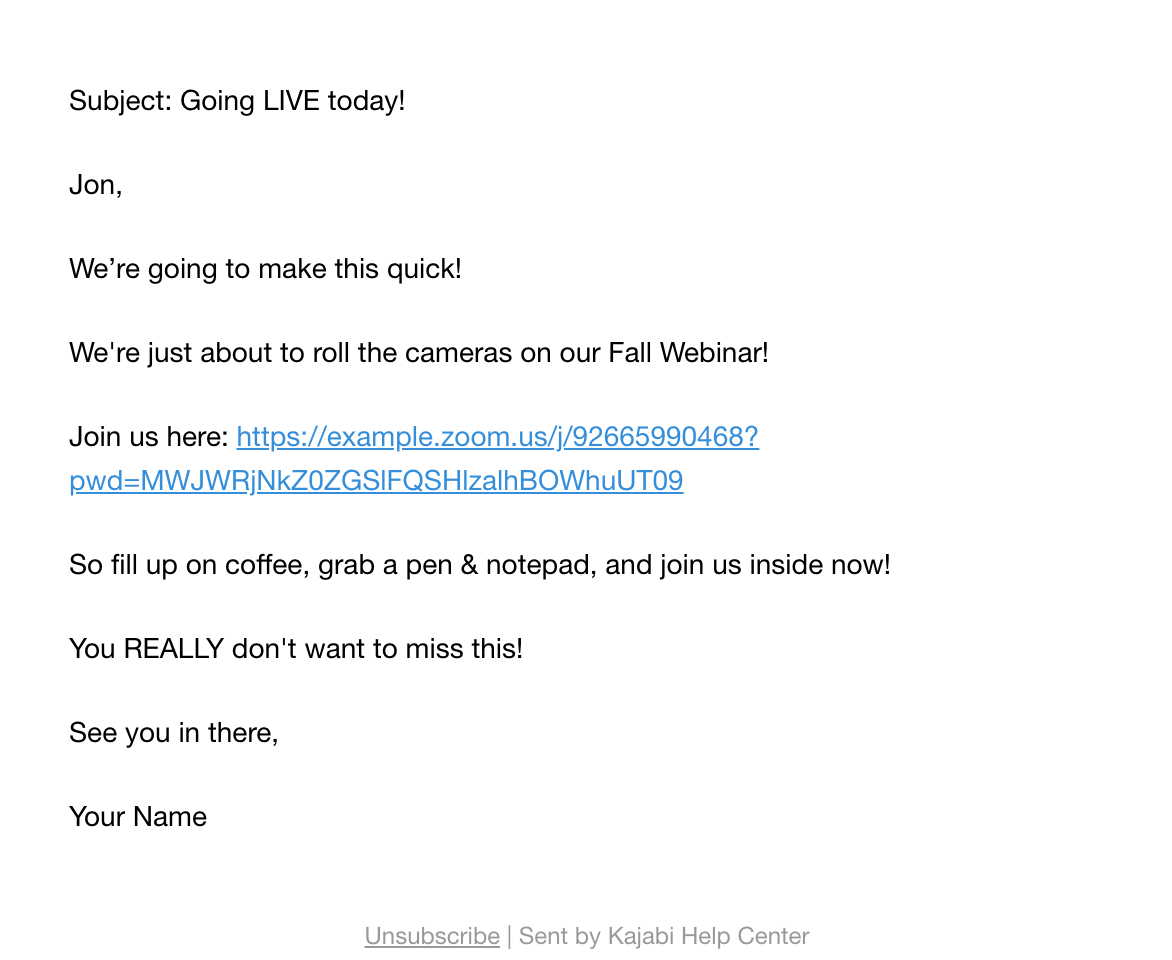
A webinar can be a pre-recorded video added to a Landing Page connected to an Offer, or you can set up video streaming with a third-party service (e.g., Zoom) and add the webinar link to Event Emails.
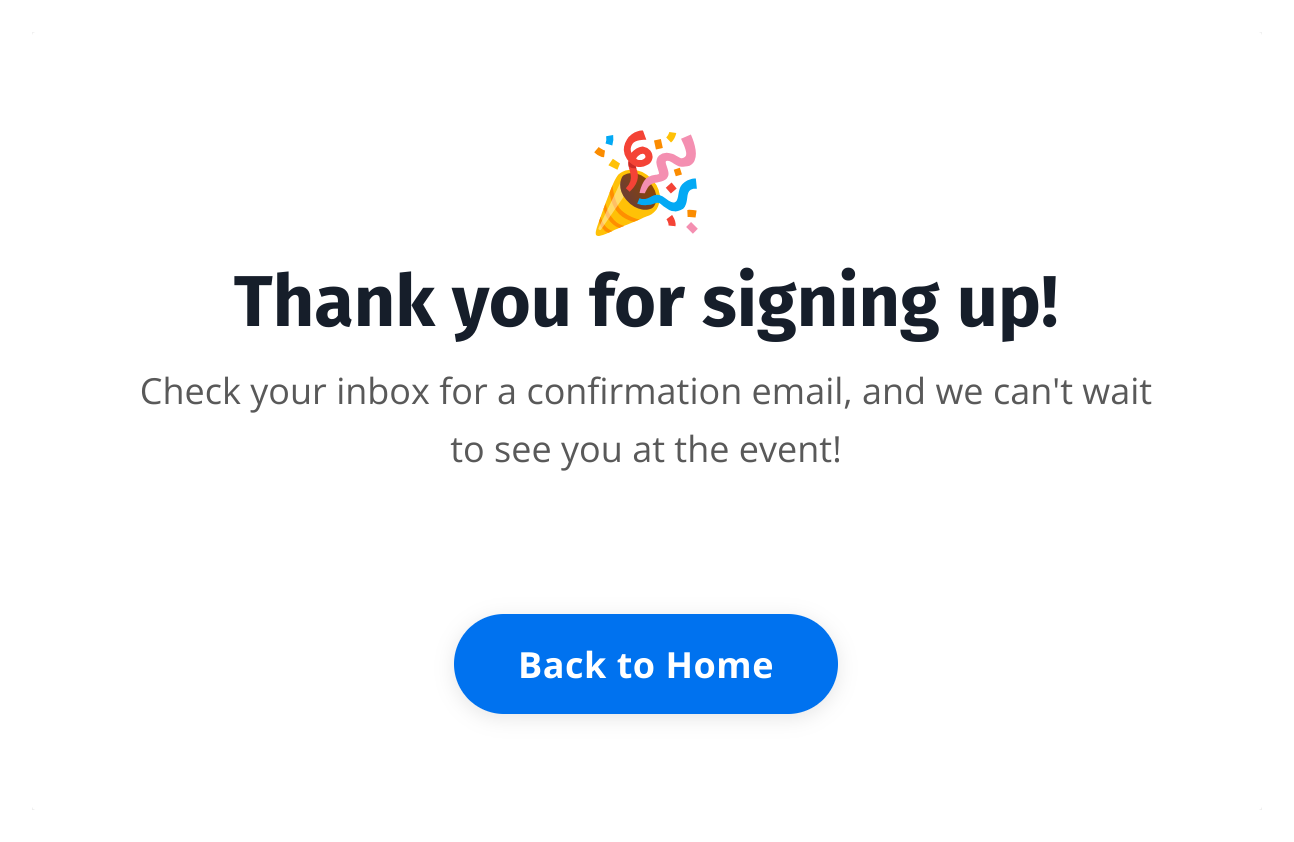
After setting up the Event, create a confirmation page. The confirmation page communicates to customers that the instructions for joining the webinar can be found in their email inbox.Learn to create a page on Kajabi.For example:
Now that the Event and confirmation page are ready, build an Offer to connect the pieces. Create a Ghost Offer (an Offer without a Product) and set up Automations to register purchasers to the Event and send them to the confirmation page.This ensures that customers purchasing the Offer receive the emails associated with the Event and instructions on how to join the webinar.