Customize a website and refine the customer experience using Kajabi’s Website Builder.
Customize your website and refine the experience your customers go through before and after they purchase. Your website can be designed with Kajabi’s highly customizable page templates and streamlined templates built to help you get started fast. The Website Builder gives you full control over layout, branding, and content across every page.
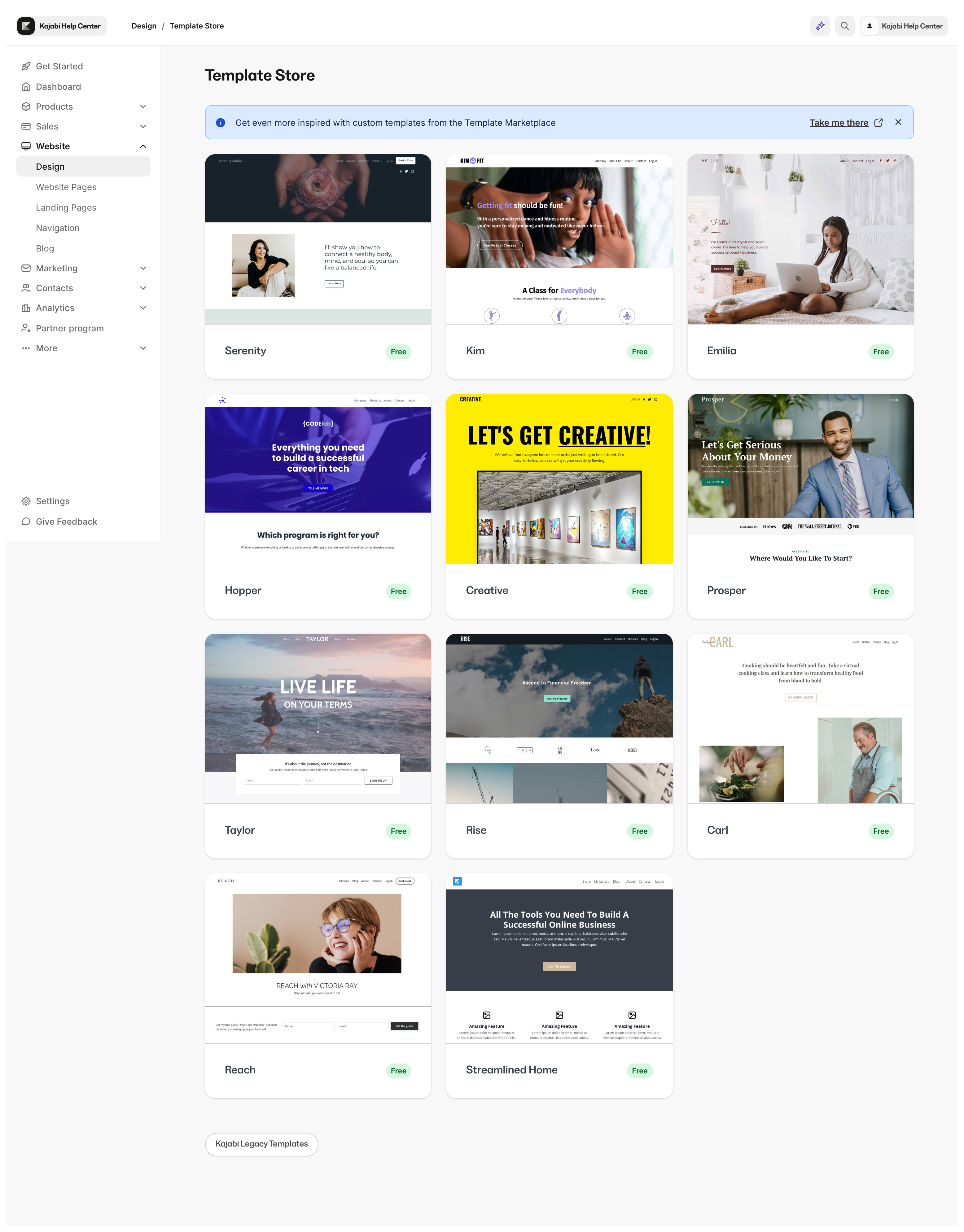
Select a template that best fits your design vision. Kajabi provides you with an ever-growing list of basic streamlined pages and premium-designed pages to help you get started:After selecting the template for your website, customize your Global Page Settings before diving into the individual design of your standard website pages.Learn more about global settings.This will help set up the foundation for your brand on all of your standard website pages before you begin designing and adding your content.Learn to install and activate the Website Builder.
Before you begin building your website pages with the Website Builder, understand the structure of your page.Pages built with the Website Builder and Kajabi Pages are made up of:
Blocks
Sections
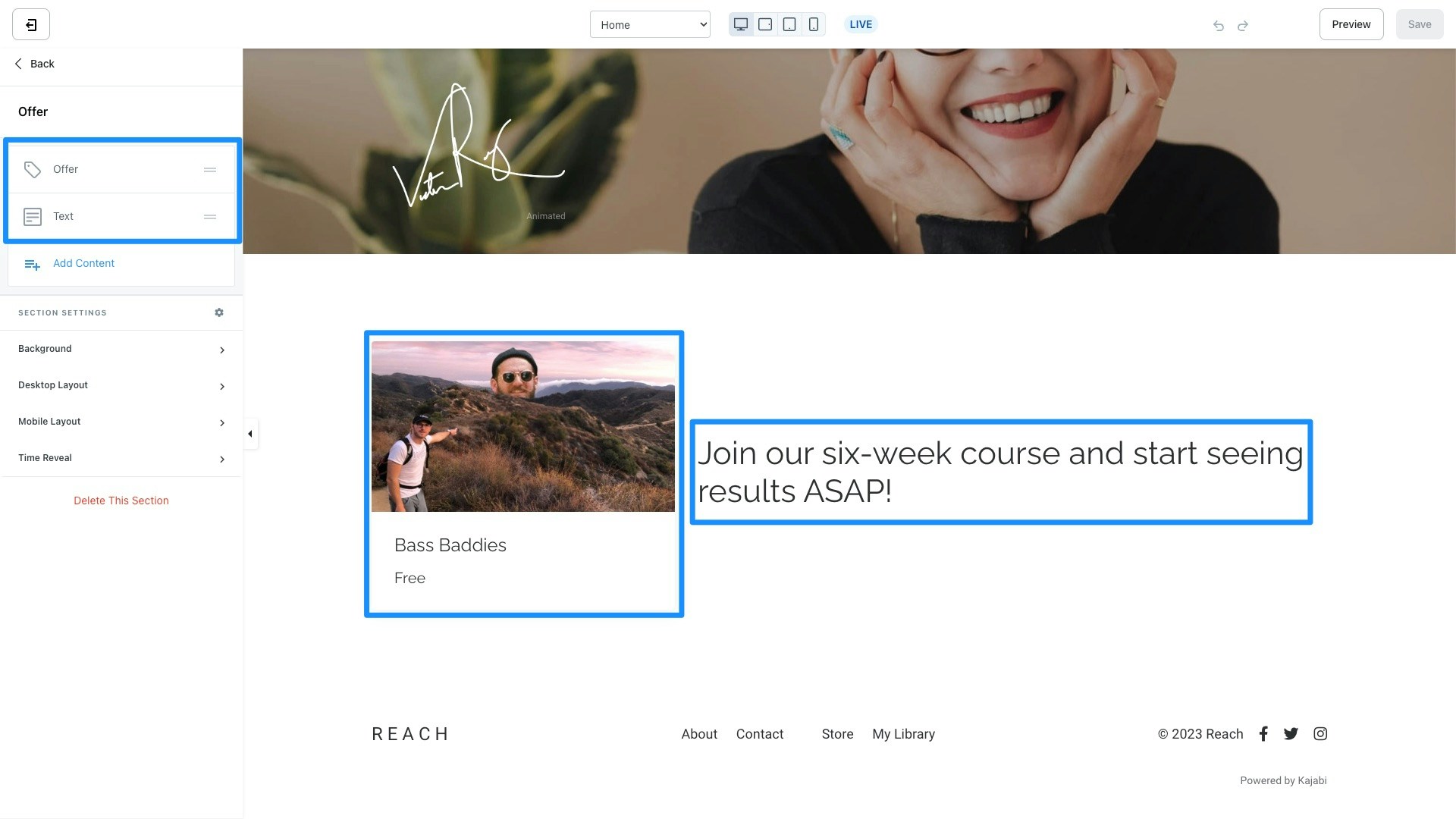
Each Section of your page is made up of specific Blocks.For example, the Offer Section includes an Offer Block and a Text Block:Kajabi provides you with preset Sections containing specific Blocks to streamline the process of designing your page.Each section is customizable. Regardless of the Section you choose, you can always remove, add, and edit the Blocks within your chosen Section to create a page that best fits your brand and business.
Design a homepage custom-tailored to represent your brand and online presence. When visitors enter your URL, this is the page that will appear unless you have changed your settings in Site Details.With the Website Builder, create a homepage that is uniquely yours.