Build a Course, Community, Newsletter, Podcast, or Coaching product on Kajabi.
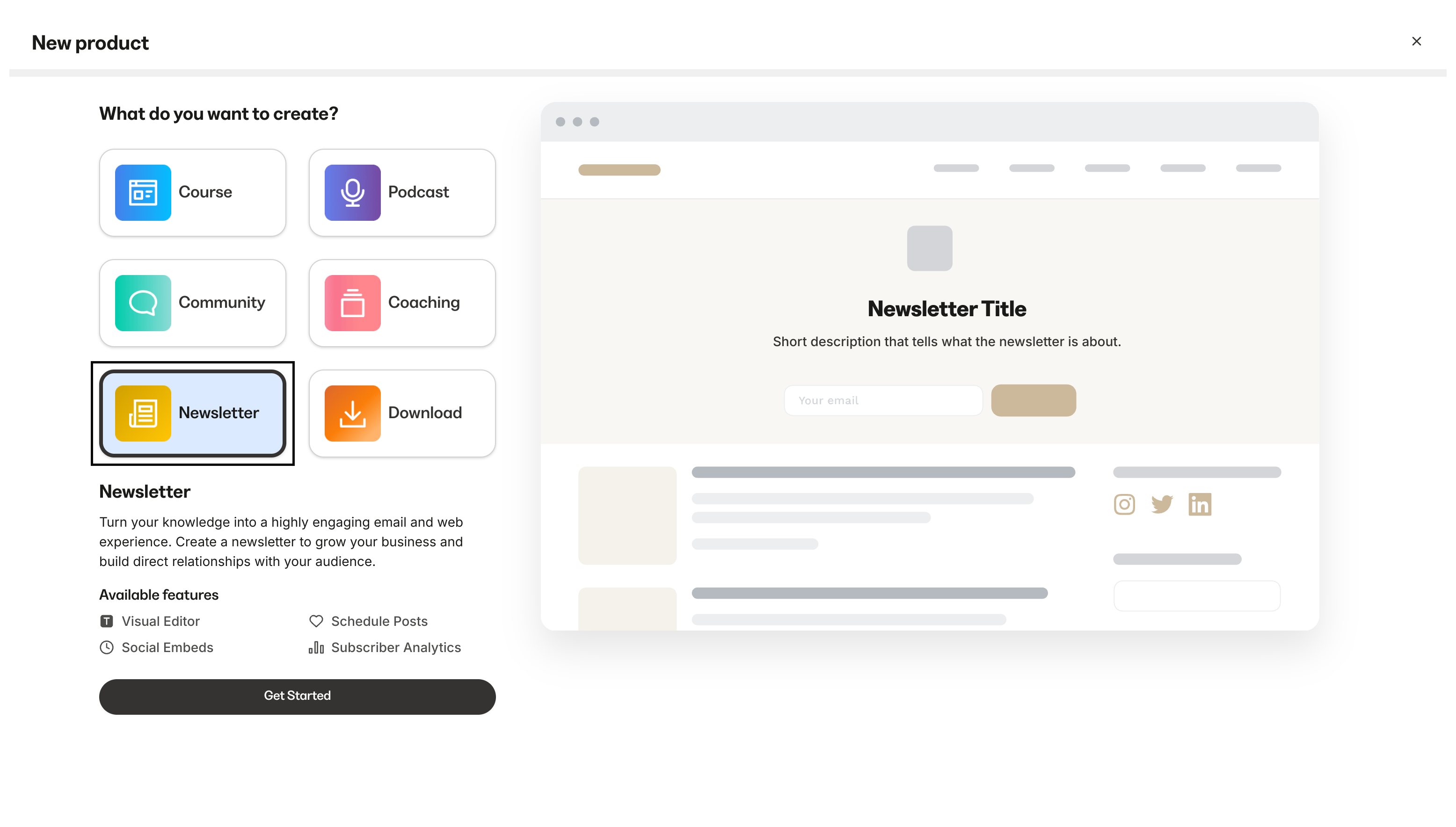
With your idea validated and a waitlist building anticipation, it’s time to create your first Product. Kajabi supports several Product types, each designed for a different way to deliver value to your audience.
Offering online Courses allows you to share your expertise with a global audience, delivering valuable content digitally while scaling your business. With an online Course, you can monetize your knowledge and position yourself as an authority in your field.
Open the Products tab from your Dashboard.
Click Get Started (or, if you’ve already created a Product, click + New Product).
Select the Course Product.
Click Get Started.
Complete the on-screen instructions to create your Course details.
Building a Community fosters deeper relationships with your audience, encouraging long-term engagement and loyalty, which can lead to higher customer retention and organic growth. Create a space for your community to connect via discussion circles, challenges, meetups, direct messaging, and live events.
Open the Products tab from your Dashboard.
Open Community.
Click New Community.
Add the name/title, description, and image for your Community.
Add the name of your first Community Access Group.
Select Free or Paid to create a free or paid Community.
A Newsletter serves as a direct communication channel, allowing you to consistently nurture your audience, promote your offerings, and keep them updated with valuable content that drives ongoing interest. Kajabi gives you the option of offering a free or paid Newsletter, enabling you to monetize your content.
Open the Products tab from your Dashboard.
Select All products or Newsletters.
Click + New Product or New Newsletter.
After clicking + New Product, select the Newsletter Product.
Click Get Started.
Complete the on-screen instructions to create your Newsletter.
Launching a Podcast gives you a unique platform to reach a wider audience, share your message in a more personal way, and expand your influence by featuring guests and addressing industry-relevant topics.
Open the Products tab from your Dashboard.
Select Podcast.
Click Get Started.
Make sure Podcast is selected as the Product type, and click Get Started again.