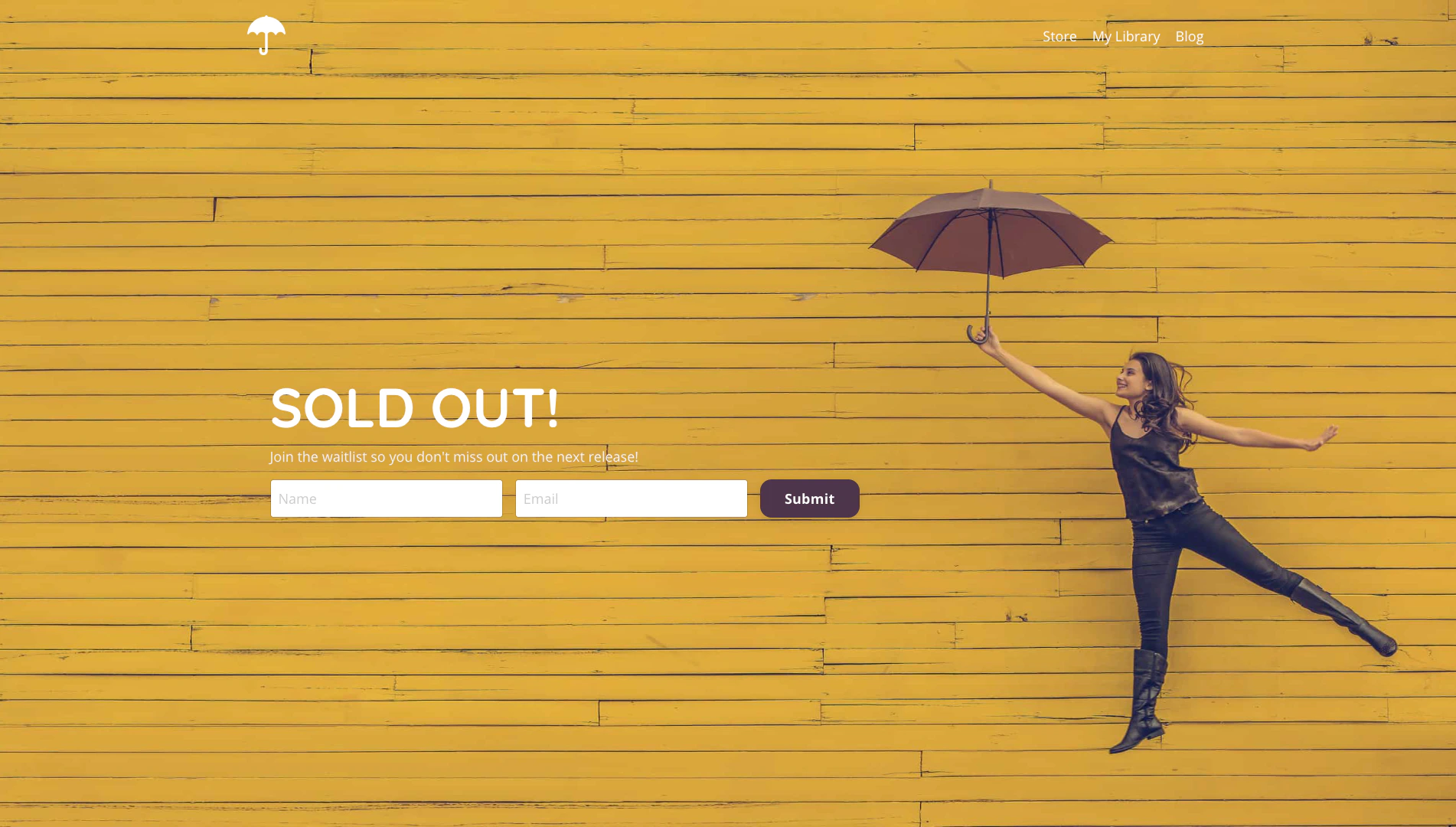
A waitlist lets people who are interested in your Products opt in and purchase your Offer when it becomes available.

Create a waitlist form

Create a Form on Kajabi to collect contact information from prospective customers who want to join your Offer waitlist.
  1. Open the Marketing tab from the Dashboard.
  2. Select Forms.
  3. Navigate to the top right corner of the page and click + New Form.
  4. Enter the Title for your Form.
  5. Click Save.
  6. Customize your Form as desired. Learn more about creating and building a Form.

Build a waitlist landing page

After creating your Form, build and customize the Landing Page that will contain your Form and communicate to your page visitors that the Offer has already reached capacity. Learn to add a Form to a page. Waitlist landing page example