

Connecting Kajabi Payments and/or PayPal ensures you can collect payment for the value you offer your audience, from the start.

Kajabi Payments

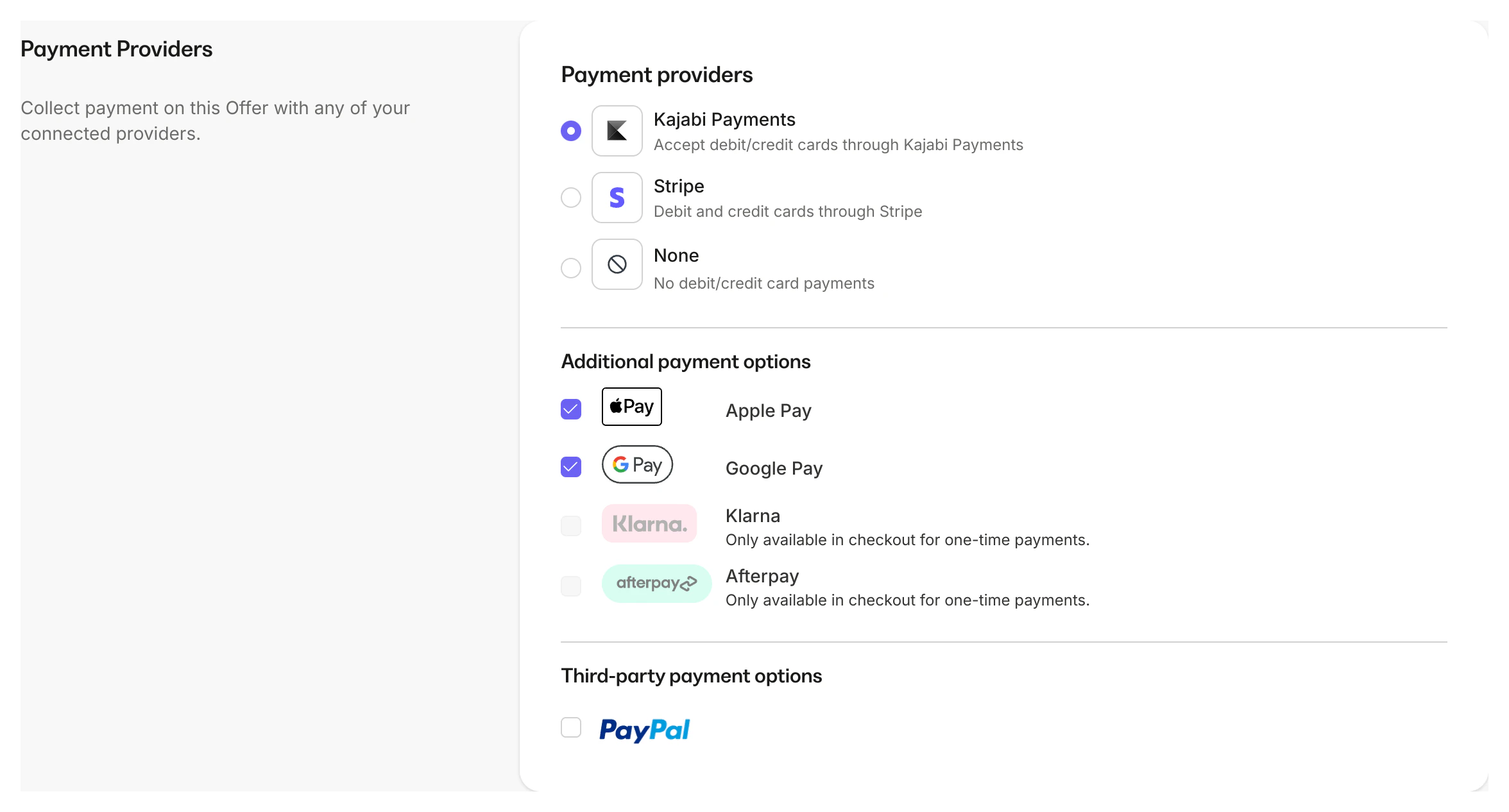
Kajabi Payments is an all-in-one solution that gives you everything you need to accept customer payments, oversee purchases, manage refunds, initiate payouts, and more — all from your Kajabi dashboard. Kajabi Payments is purpose-built to support an all-in-one experience. It includes exclusive features like additional payment methods such as Apple Pay, Google Pay, Afterpay, and more: Payment options available with Kajabi Payments With Kajabi Payments, your Checkout page enables customers to purchase your Offers effortlessly. They can either enter their credit card information directly on the page or choose from the additional payment methods you’ve selected. The payments are then processed and collected into your connected bank account, incurring a small fee that’s equivalent to major payment providers. Learn more about processing fees. Kajabi Payments is currently available to businesses registered in the United States, Canada, Australia, the United Arab Emirates, the United Kingdom, and select European countries. Learn more about Kajabi Payments.
PayPal

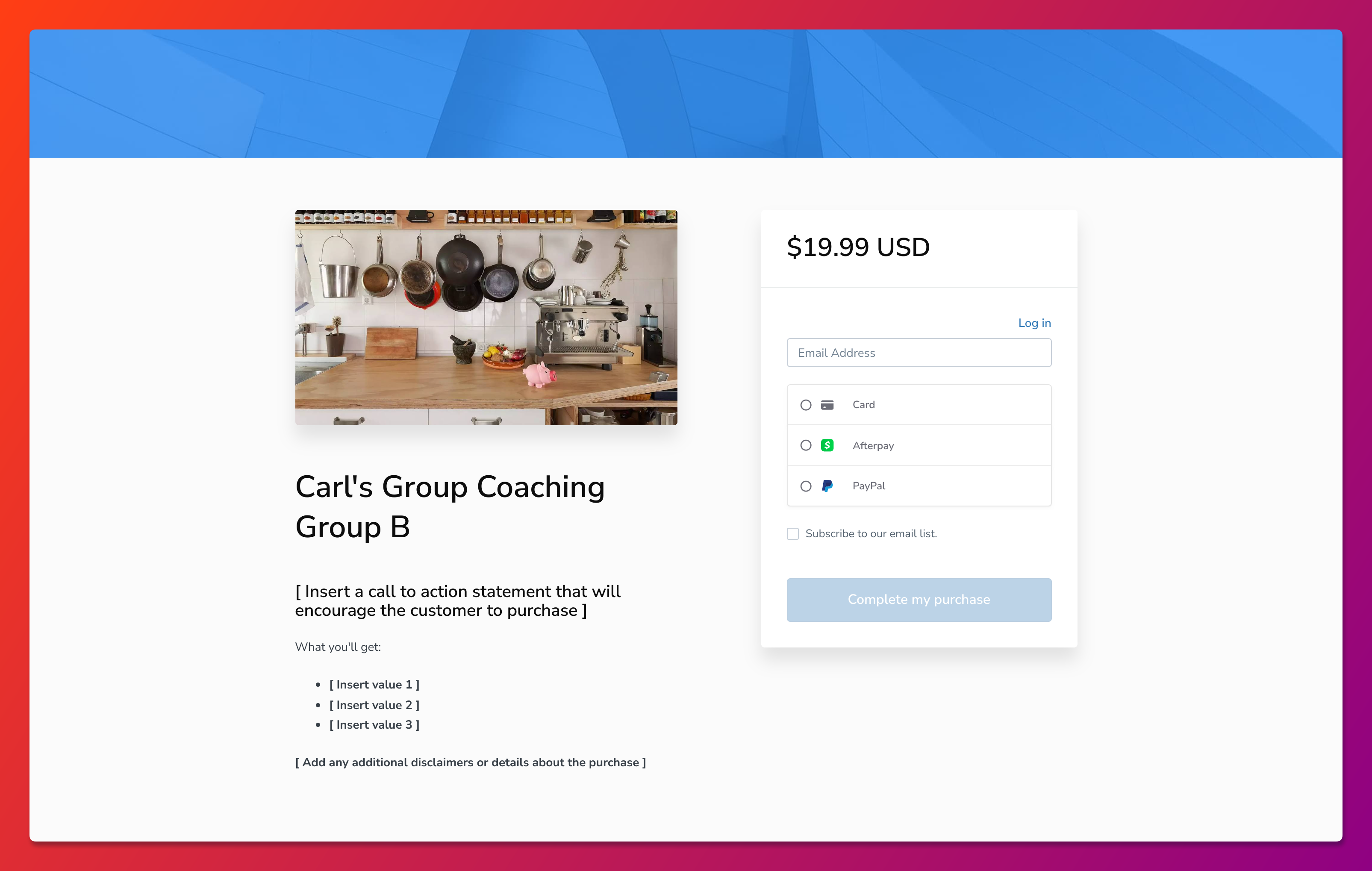
PayPal is a worldwide online payment system that allows you to pay, send money, and accept payments with a small fee. PayPal uses data encryption and anti-fraud technology to help keep your information secure, reducing the risk of online fraud. PayPal is a well-trusted platform that services 200+ countries. Find out if PayPal is available in your country. With PayPal, your customers can purchase your Offers with their personal PayPal accounts or by creating a guest PayPal account. If you choose to connect PayPal to your Kajabi account, your customers can purchase your Offers using PayPal: PayPal checkout option Learn how to connect PayPal to your Kajabi account and begin pricing your Offers with PayPal.
Tip: Connect Kajabi Payments in addition to PayPal to give your customers the option to select their preferred payment method. Learn more about enabling payment providers for Offers.
If Kajabi Payments or PayPal do not work for you, learn how to connect a third-party payment gateway.