

Kajabi offers two ways to deliver downloadable content — the standalone Downloads Product and file attachments within a Course. Each option serves a different purpose, so choosing the right one depends on how you want to package and deliver your content.

What is the Downloads Product?

The Downloads Product is a Kajabi Product Type like Course Products, Coaching, Communities, Podcasts, and Newsletters. Downloads Product By creating a Downloads Product, you can package your downloadable content and connect it to an Offer to monetize it. Connecting your Downloads Product to an Offer allows you to create any type of packaging that best fits your business model. With Offers, you can deliver your downloadable content as an add-on or offer it as a higher-tiered package with additional product types included. Learn more about the Downloads Product.
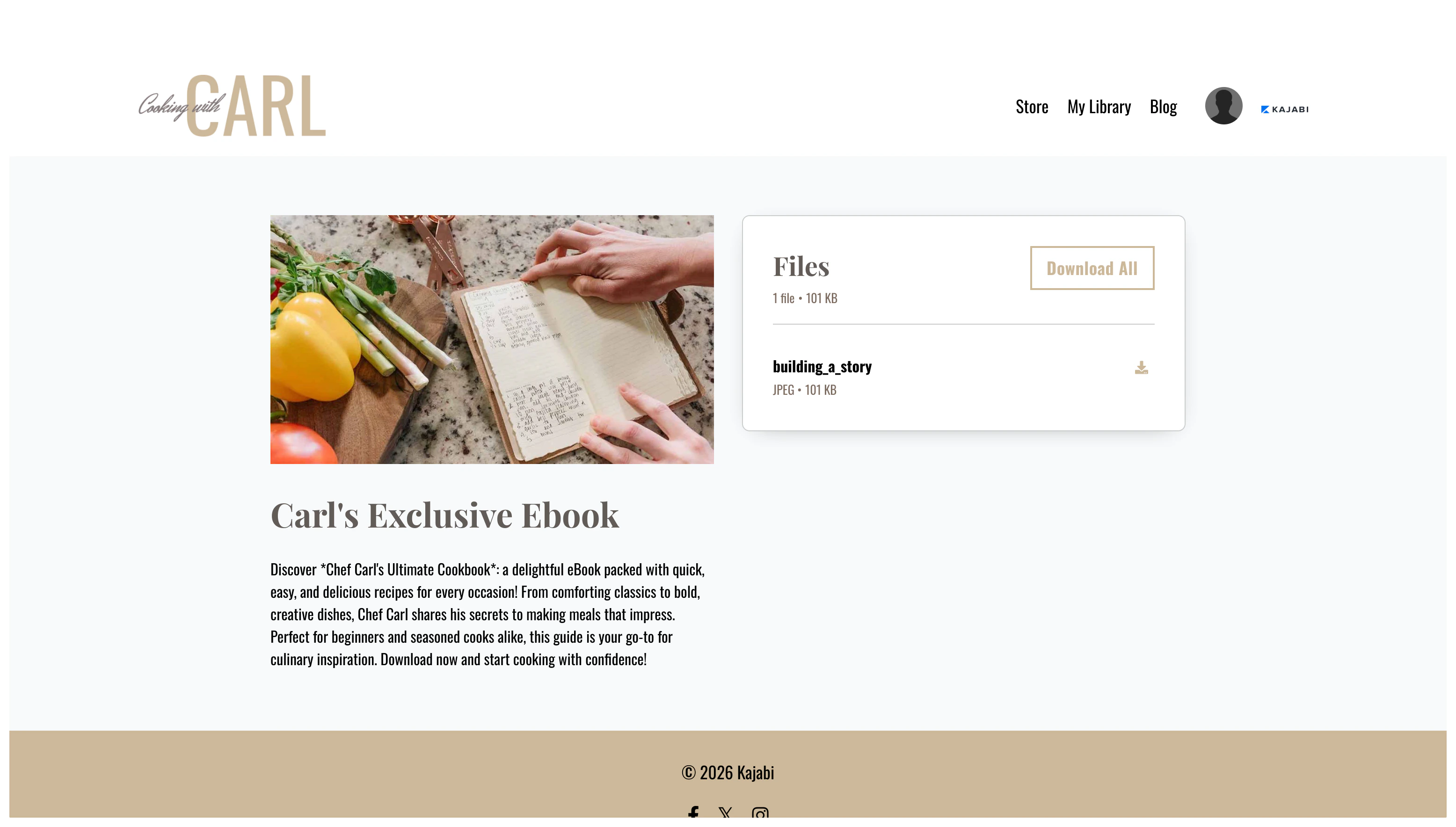
What are downloads in a Course?

Downloads in a Course are exclusively connected to the Course through individual lessons. With downloads in a Course, you can provide additional resources to supplement your lesson. Downloads in Course Learn to add downloadable files to your Course.
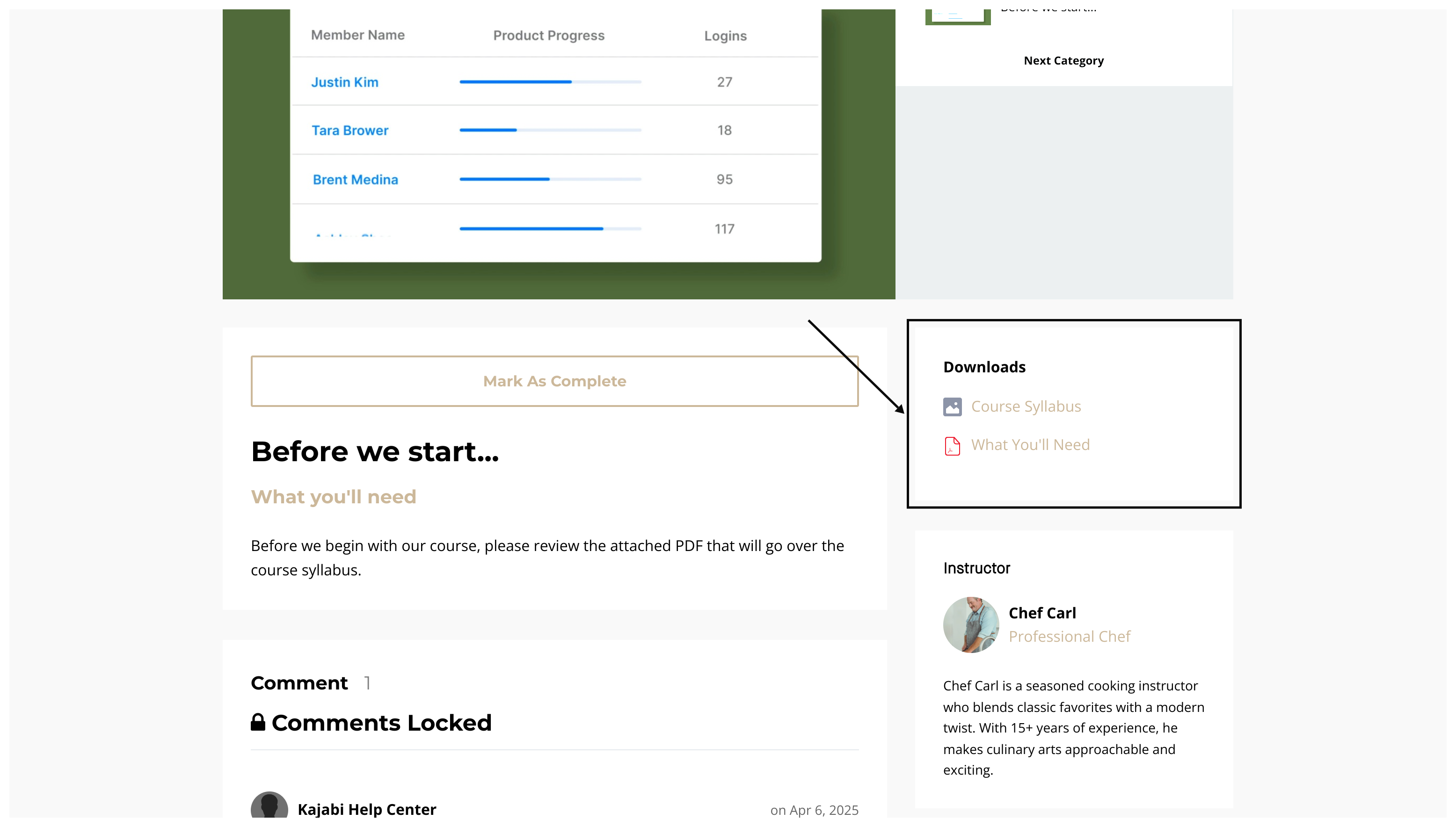
FAQs

When should I use the Downloads Product instead of Course downloads?

Use the Downloads Product when you want to sell standalone downloadable content connected to its own Offer. Use Course downloads when you want to supplement existing Course lessons with additional resources.

Can I use both the Downloads Product and Course downloads together?

Yes. You can create a Downloads Product for standalone downloadable content and also attach files to individual Course lessons. Both can be packaged into Offers to fit your business model.