

Manually update the app on an Apple device
To update the Kajabi Mobile App manually on an iOS device:- Open the App Store
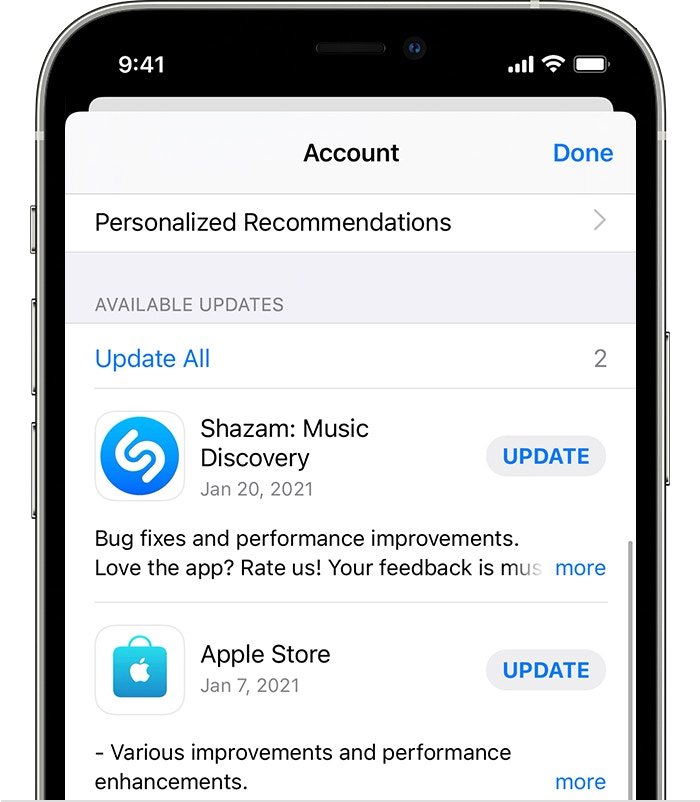
- Tap your profile icon at the top of the screen
- Pull down to refresh this page
- Scroll to see the pending Kajabi app update. Tap Update next to the Kajabi app to update the app
Manually update the app on an Android device
Depending on mobile device settings, apps may update automatically or can be updated manually. To update the Kajabi Mobile App manually on an Android device:- Open the Google Play Store app
- Open the Menu
- Select My apps & games
- Locate the Kajabi application under the “Updates pending” section
- Click Update:
Note:
If you do not see the Kajabi Mobile App in the list of updates pending, you may have the latest version installed and may not require an update.