Note:
A Segment Project (Legacy Source) should be made for each Kajabi Site.
- Viewed Blog
- Viewed Blog Post
- Viewed Categories
- Viewed Category
- Viewed Landing Page
- Viewed Lesson
- Viewed Product
- Viewed Sales Page
Set up the native Segment integration in Kajabi
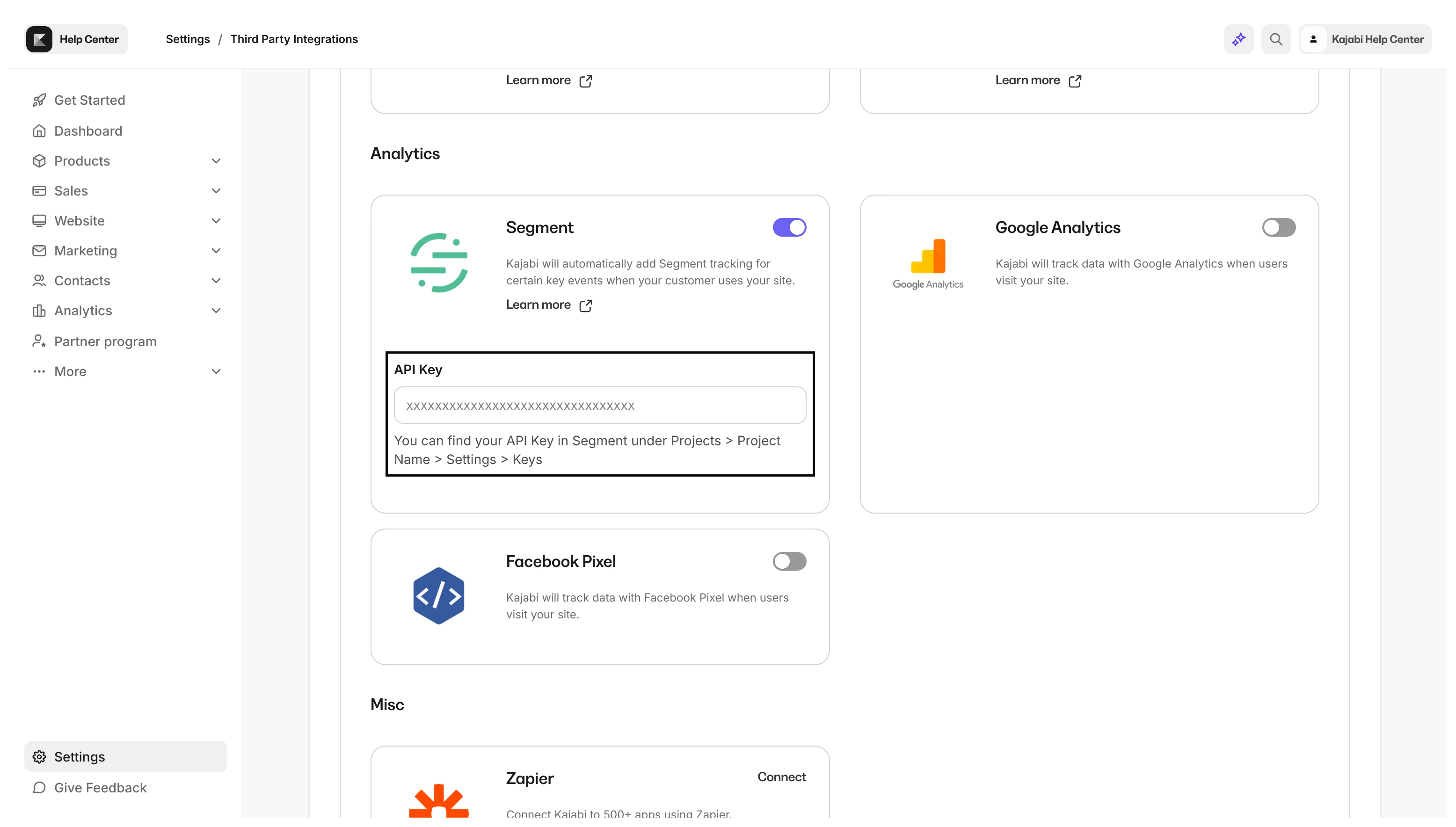
To set up the native Segment integration in Kajabi, you’ll need to complete the following steps:- First, head into the Settings tab from your dashboard.
- Then, click into Third-Party Integrations.
- Toggle On the Segment integration.
Get your Segment API key
To get your API key:- Click the Sources tab.
- Select your Source.
- Click the Settings tab.
- Then, click the API Keys tab.
- Click Copy next to the Write Key field.
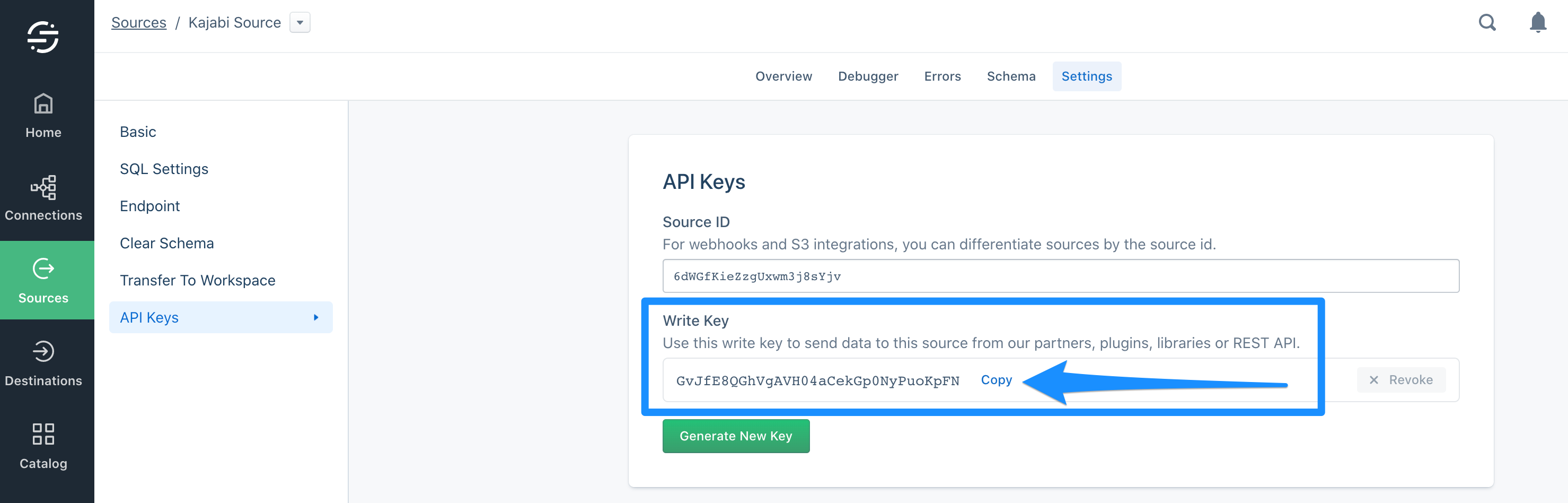
- With your Key copied, head back into your Kajabi Integrations page and paste the key into the API Key field and click Save at the top.