

Create a snapshot
To connect Crazy Egg to Kajabi, first you will need to create a Snapshot for your Kajabi website in Crazy Egg. Learn how to create a Crazy Egg Snapshot.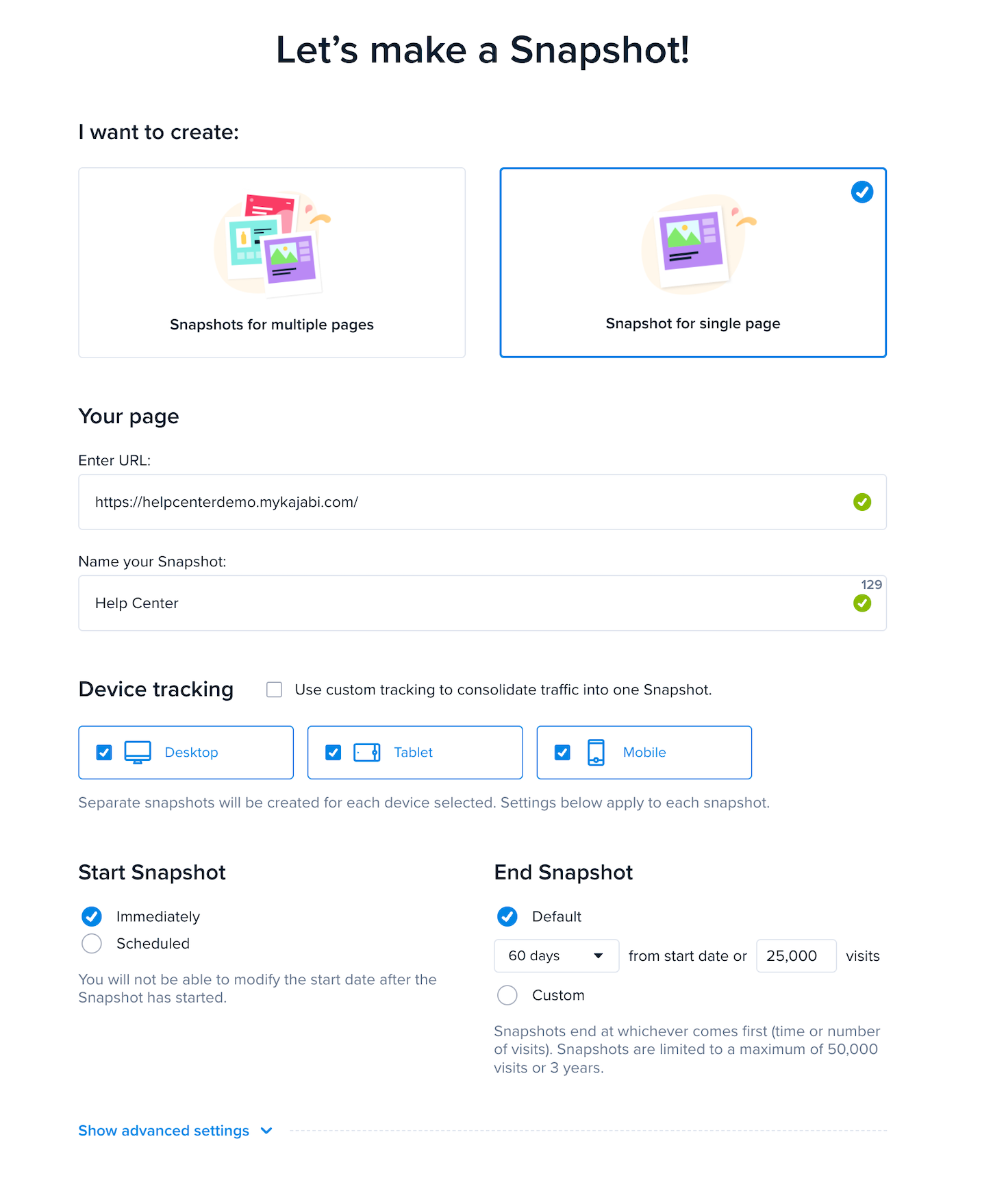
Install the Crazy Egg tracking code on Kajabi
After your snapshot has been created, go to the Crazy Egg manual install page and copy the Crazy Egg script to your computer’s clipboard:- Go to Settings.
- Then, select Site Details.
- Scroll down to Page Scripts. Page Scripts is where you will paste the Crazy Egg script.
- After pasting the script, remember to click Save to keep your changes:
Check your Crazy Egg installation
Finally, you will want to ensure the Crazy Egg tracking script was installed correctly. After pasting the code, give it some time to fully install. This can take up to 24 hours. After allowing your setup to fully install, test your installation on Crazy Egg. To test:- Click on the Action button for that snapshot.
- Then, Check Installation.
- Crazy Egg will then test the installation and display the results: