Overview
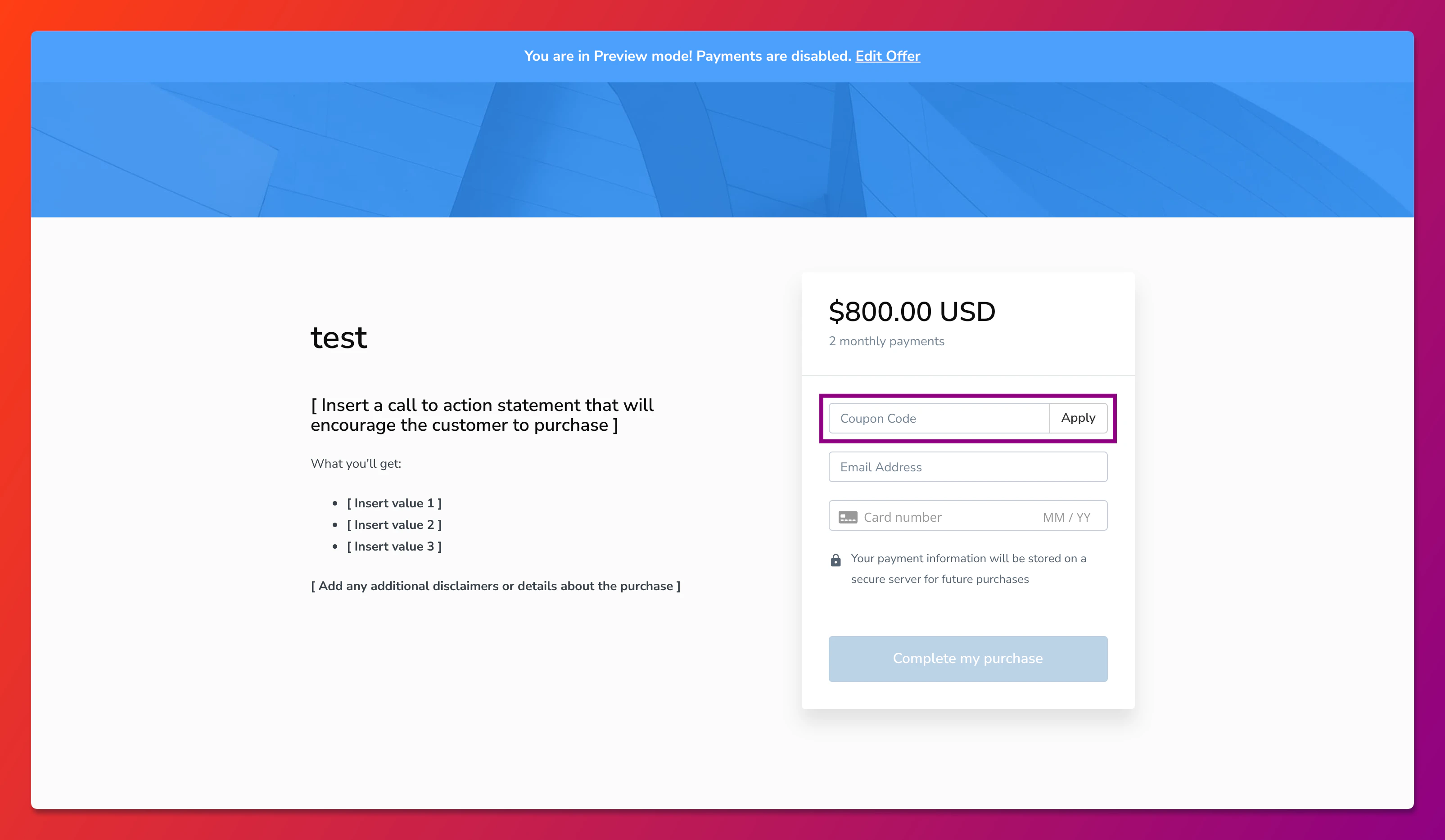
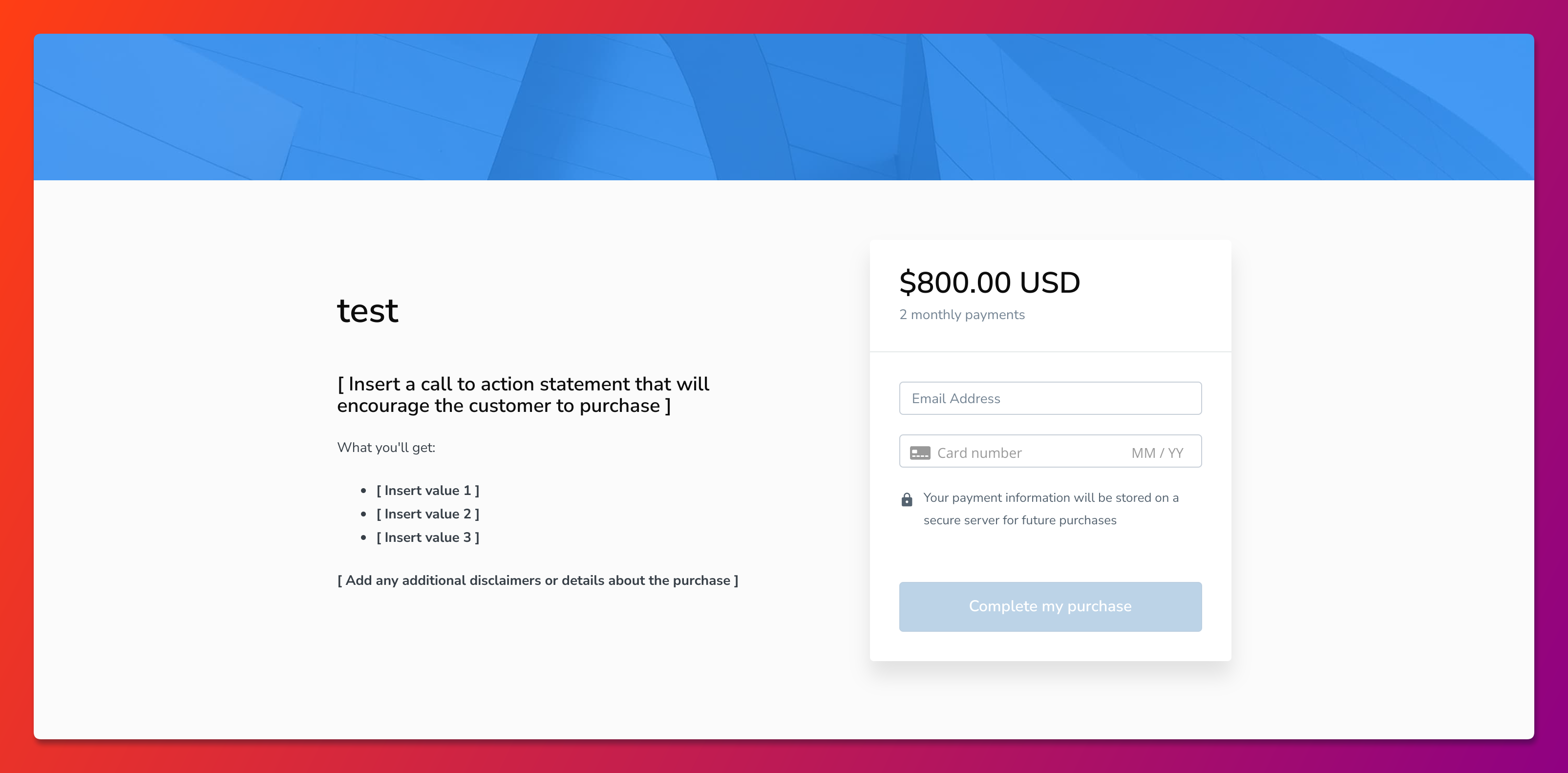
Removing an Offer from your Coupon removes the coupon field from the Offer Checkout Page.Disconnect an Offer
To remove the Coupon field from the Offer Checkout Page, remove the Offer from your Coupon’s “Included Offers”. Keep in mind that customers with this coupon will no longer be able to apply the coupon to the Offer after it is removed.- Open the Sales tab from the Dashboard.
- Click Coupons in the sidebar.
- Select the Coupon associated with your Offer.
- Click the X icon next to the Included Offer.
Offer Checkout Page preview
Before removing the Included Offer: