AWeber is an email marketing service provider that helps you keep in touch with your mailing list subscribers. You can integrate AWeber with Kajabi to have Kajabi form submissions added to your AWeber list.

Activate the AWeber integration

To activate your AWeber integration:
  • From the dashboard, open the Settings tab.
  • Select Third Party Integrations.
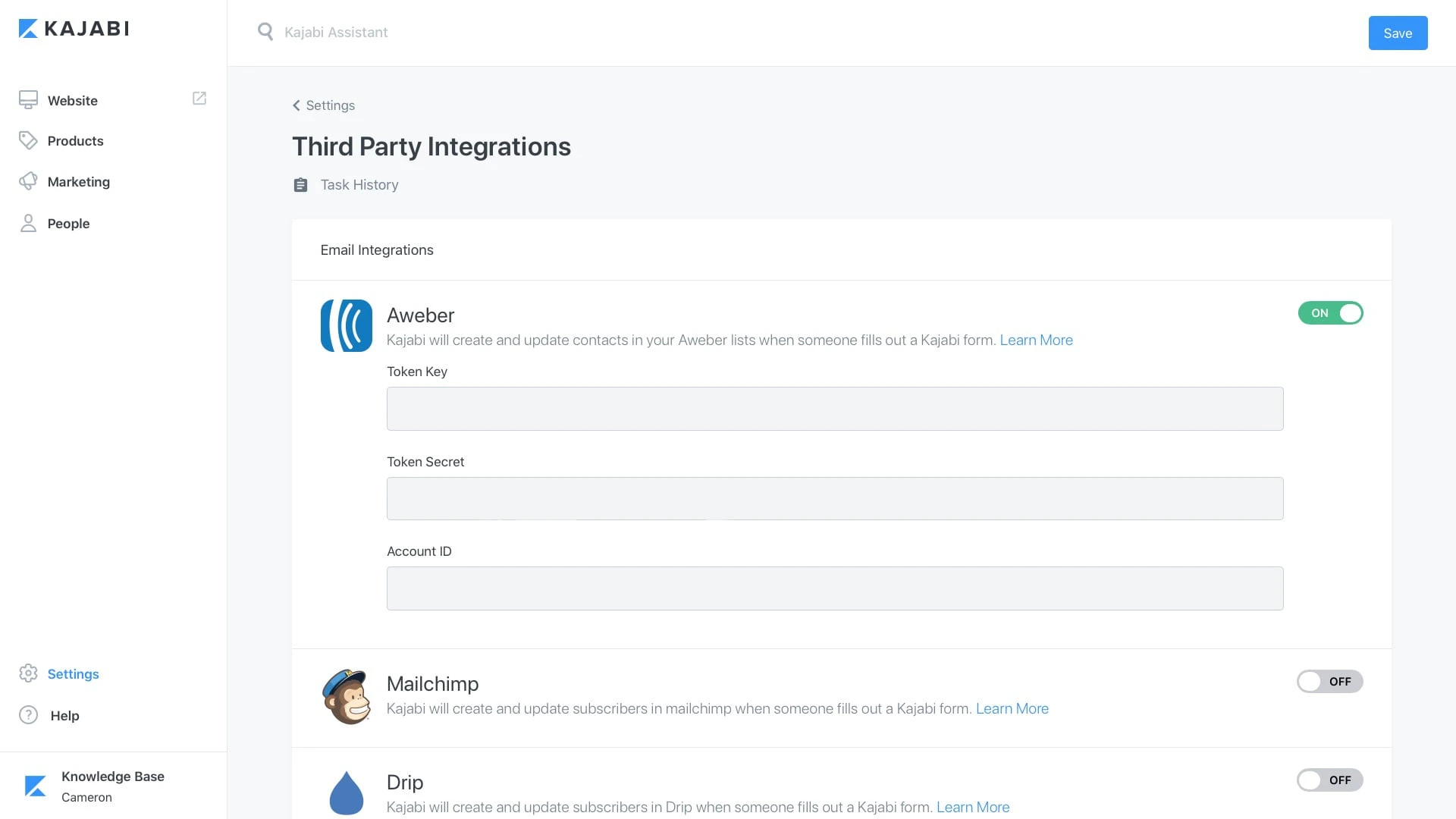
  • Click the Connect button and sign in to your AWeber account in order to allow Kajabi to access your AWeber account.
After allowing Kajabi to access your AWeber account, you will be redirected back to the Integrations page with three fields visible under your AWeber integration. The tokens created here won’t need to be used later, this just lets you know your account is properly linked to Kajabi. AWeber integration tokens

Create a list in AWeber

Next, log in to AWeber to create a List to use with the integration:
  • Click List Options in the left-hand menu.
  • Copy the List ID:

Add the List ID to a Kajabi Form

In your Kajabi admin:
  • Create a new Form or edit an existing one.
  • Check the box next to “Send the contact to a third party email provider”.
  • Select AWeber.
  • Paste the List-ID.
Click Save at the bottom of the page. Submissions through that Kajabi Form will be added to your List in AWeber.